

Featured On-Demand Session
Upcoming Live Sessions
Upcoming Live Sessions
Learn from the family engagement experts.
Live, or on your time.
Whether you're just getting started or looking to enhance your strategy, the CampusESP Academy will help you explore new features, gain best practices, and unlock the full value of the platform.
Featured On-Demand Session
CampusESP Academy On-Demand Library
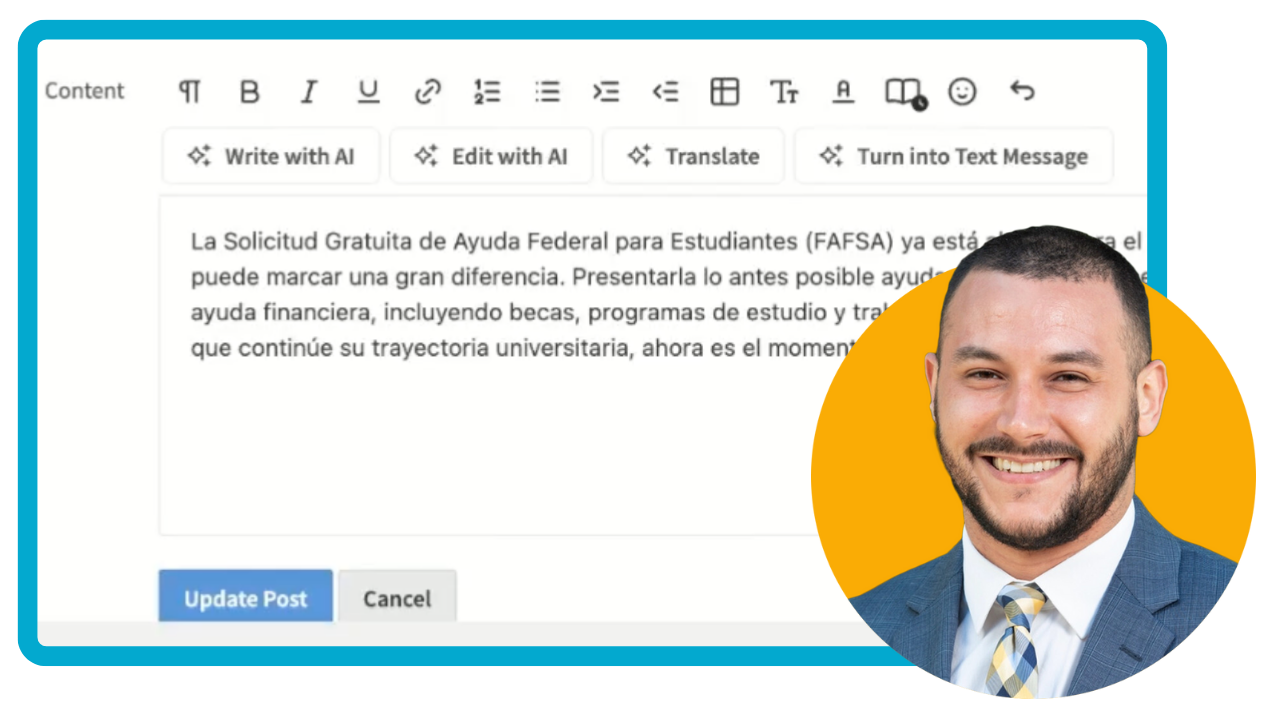
Not sure where to start? Filter by your experience level and CampusESP modules to surface the videos and resources that matter most to your role and goals.
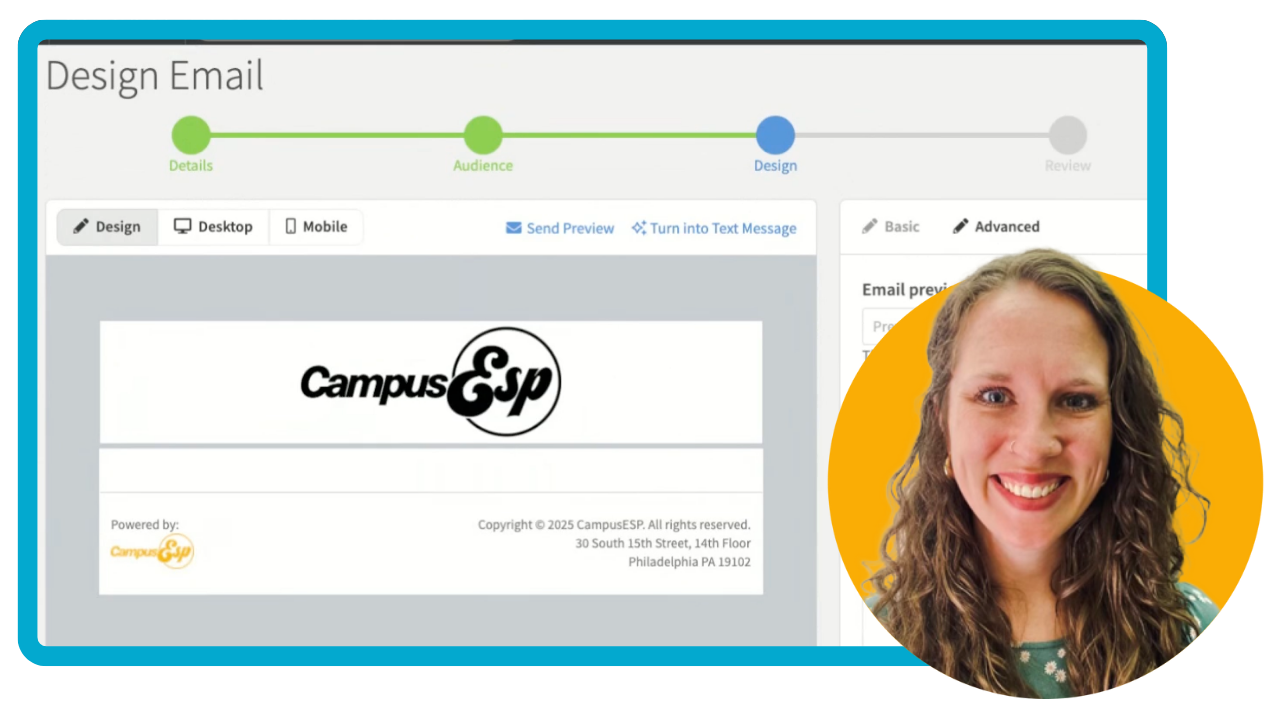
Create and Send an Email
Learn how to create and schedule emails in CampusESP, using our Basic or Advanced Designer.
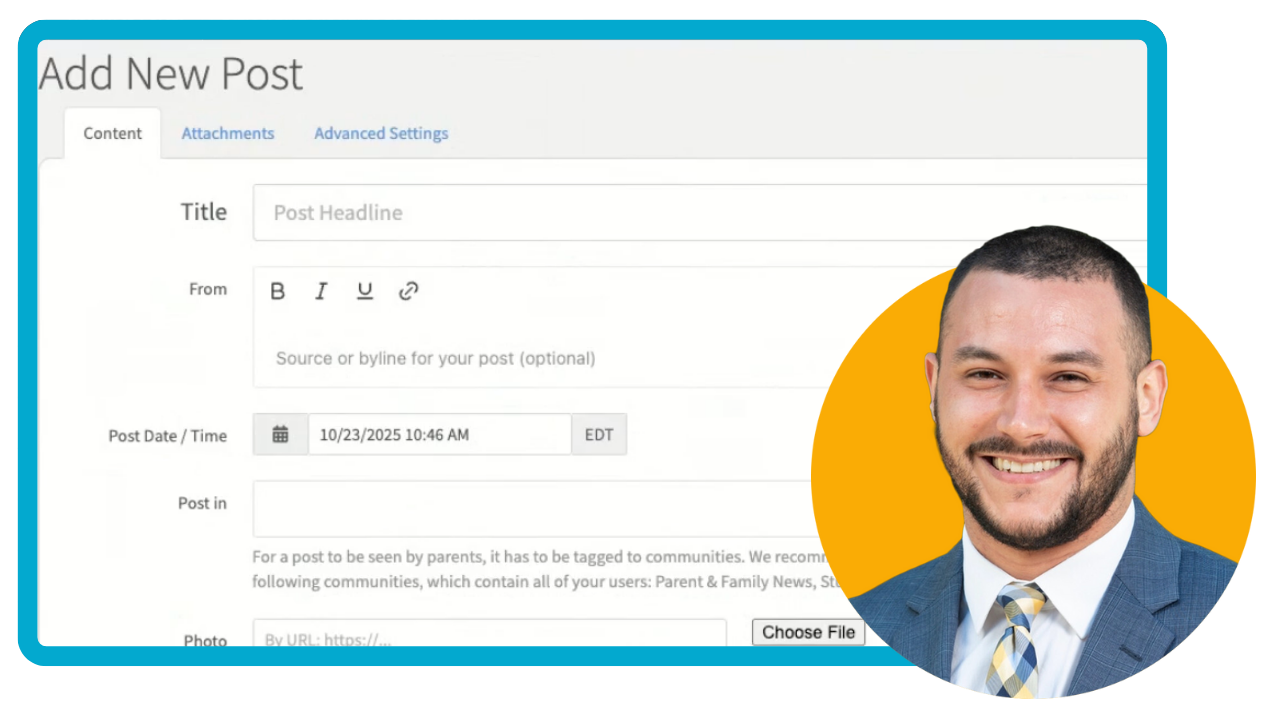
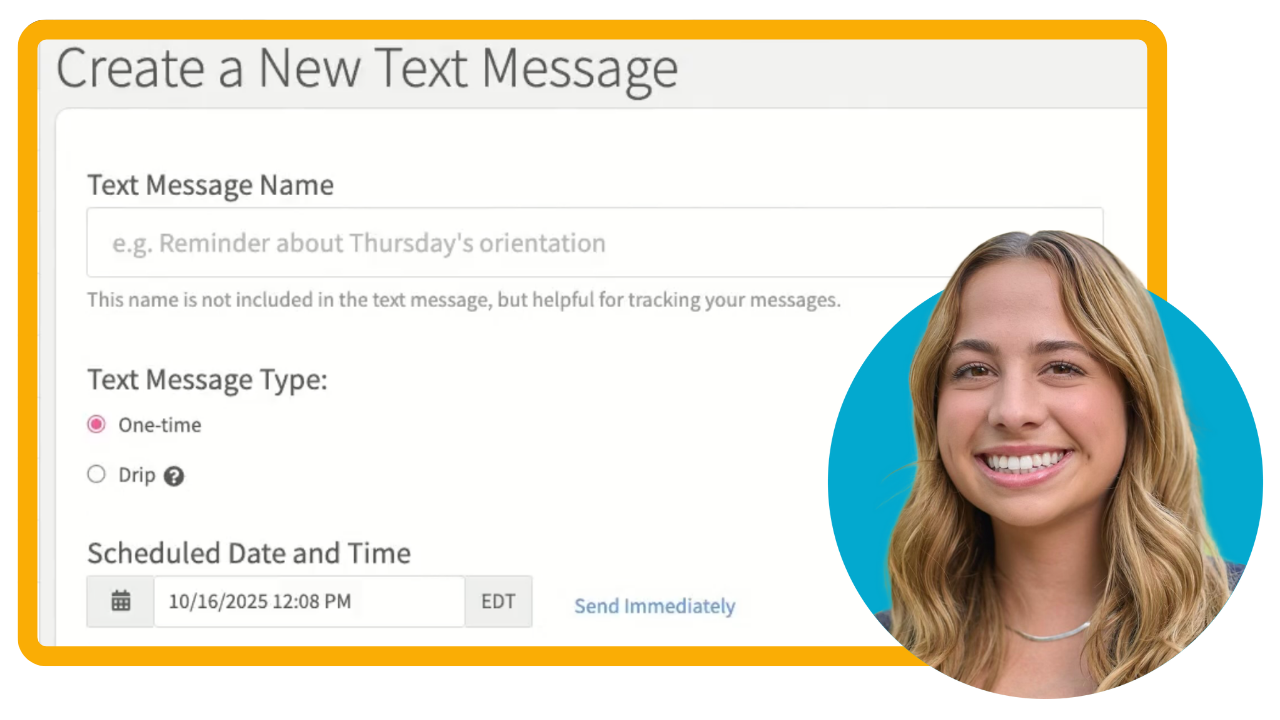
Send a Text Message
Learn how to create and send text messages in CampusESP using dynamic user targeting to reach specific segments of your community.
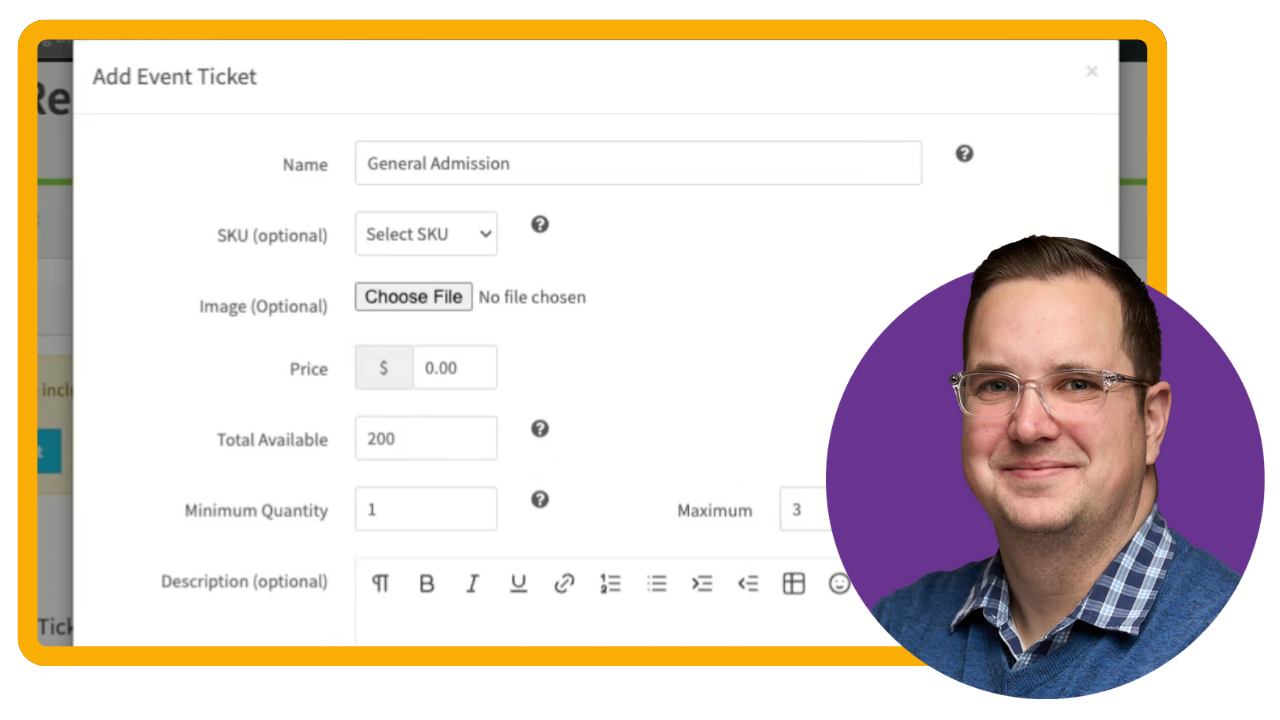
Create a Free Event with Registration
Learn the fundamentals of creating your first free event using Events with Registration. This session walks you through the basics - event details, configuring registration instructions with confirmation messages and reminder emails, building your registration form with custom questions, and setting up free tickets.
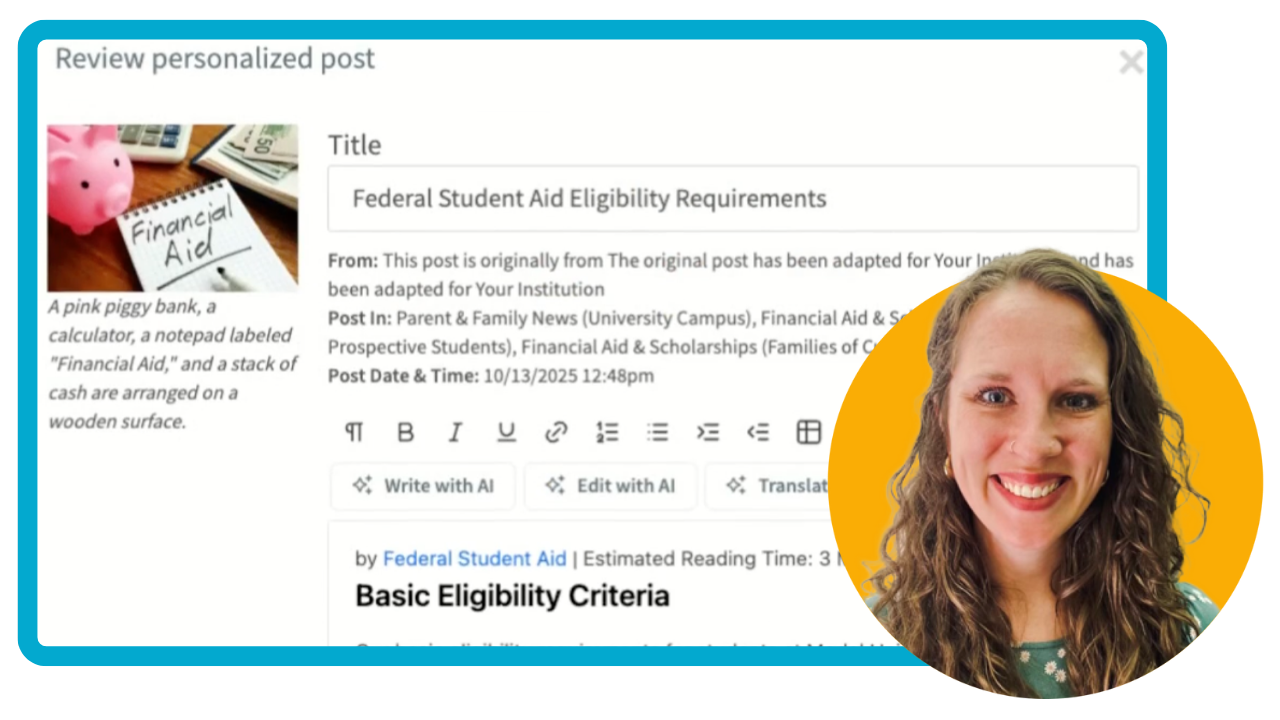
Personalize CampusESP Network Content with the AI Content Personalizer
Discover how to use CampusESP's AI Content Personalizer feature to automatically customize global network content with your institution's specific information in just three simple steps.
Student Enrollment New User Training
Join CampusESP’s interactive session as we guide you through:
How to use content tools to target your prospective families
An overview of CampusESP’s core functionality
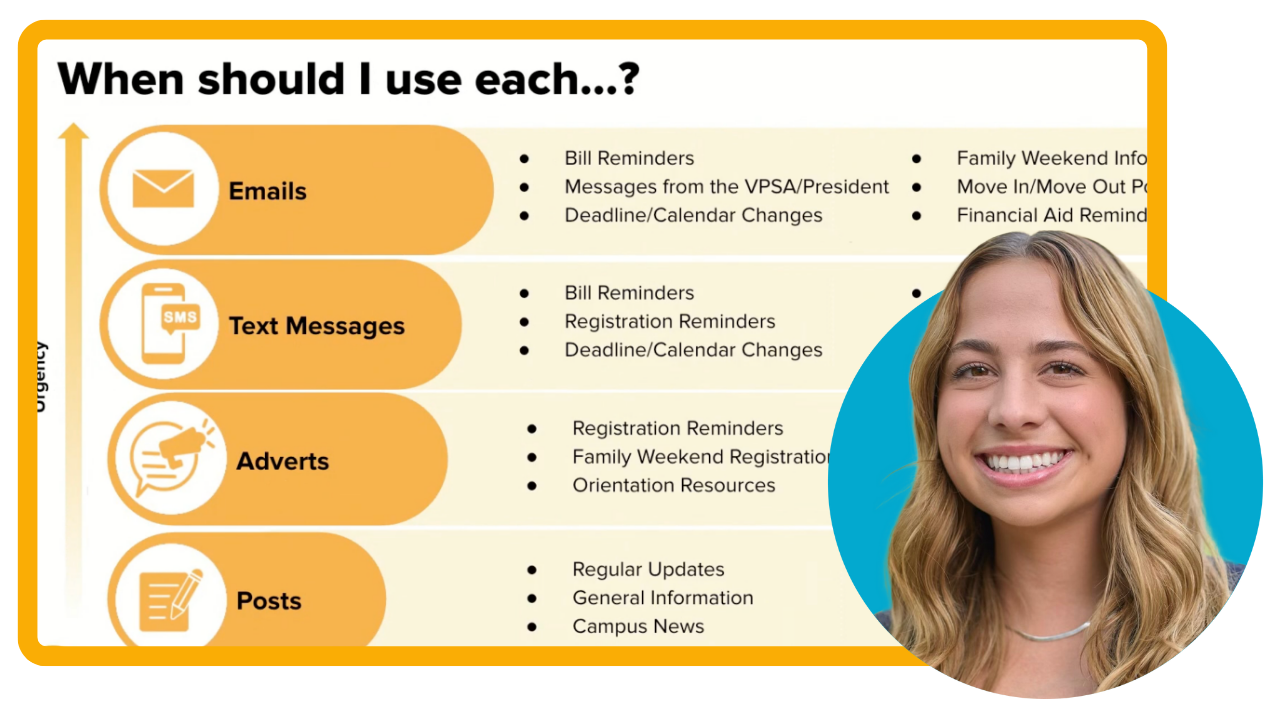
Family Communication New User Training
Join CampusESP’s interactive session as we guide you through:
An overview of CampusESP’s core functionality
How to use content tools
How to manage your users
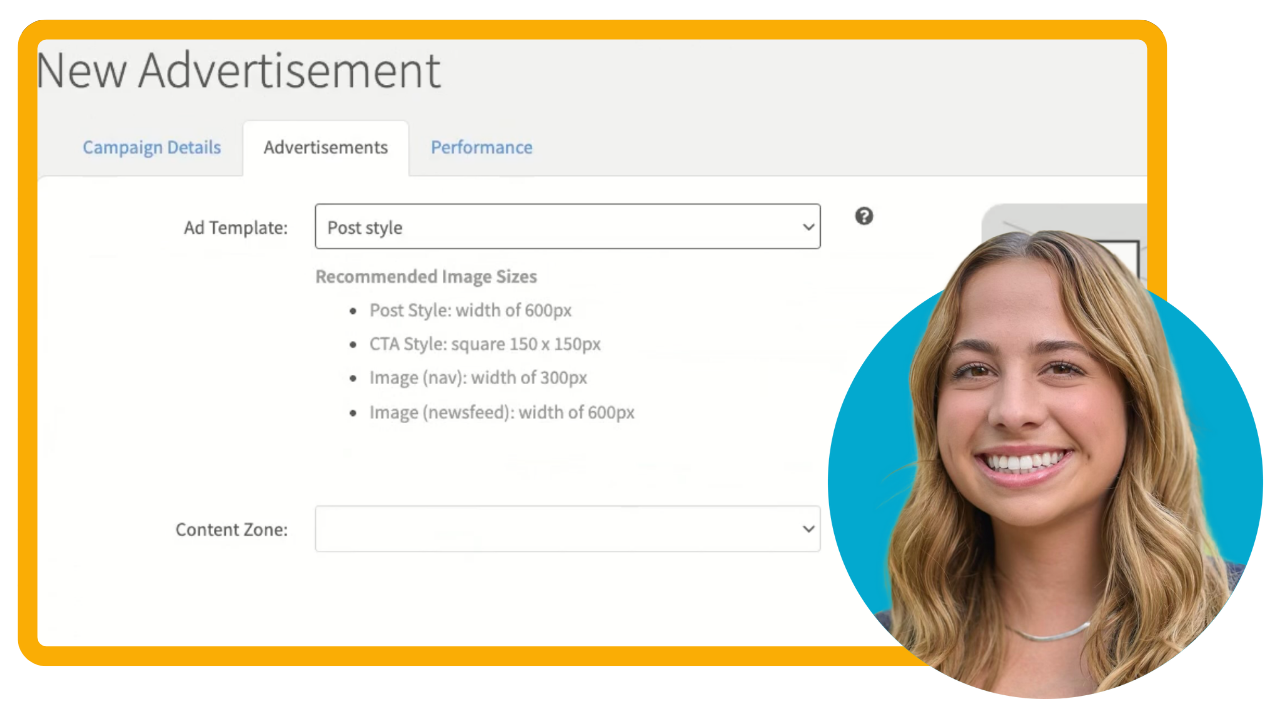
Create an Advertisement
Learn how to use CampusESP's Advertisements feature to add targeted ads into the portal and newsletters so the right parents see the right message at the right time.
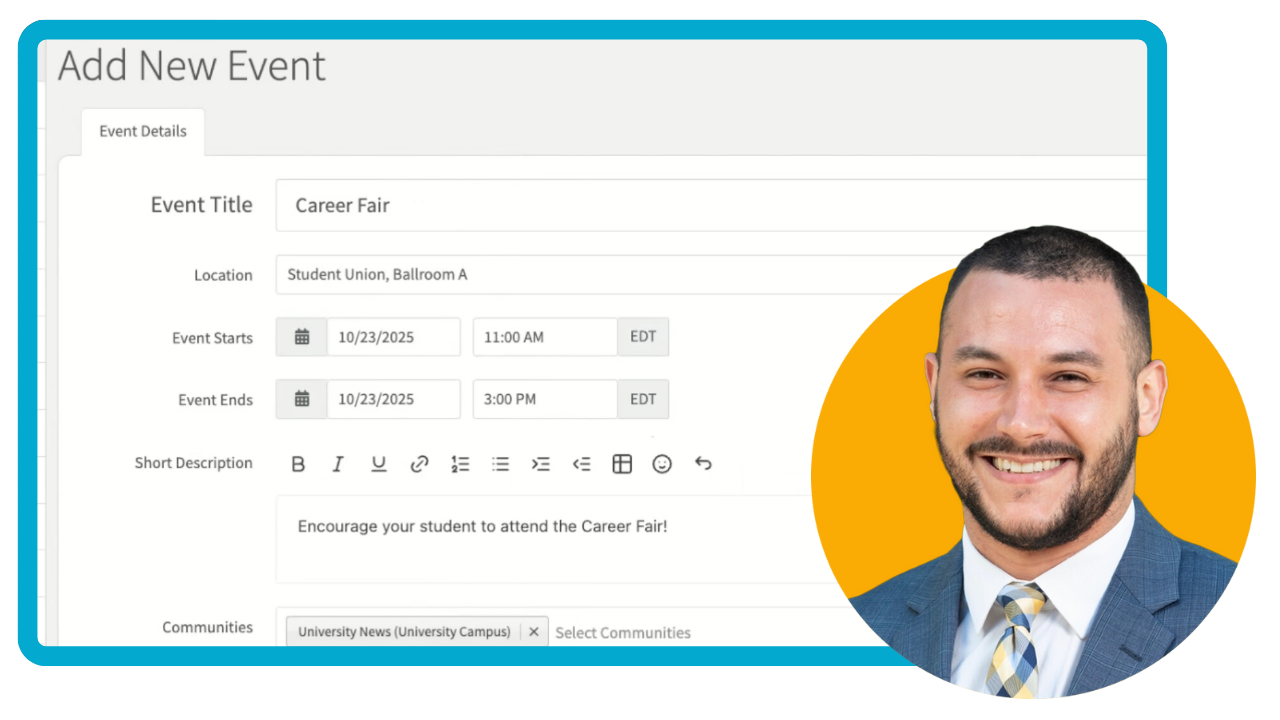
Add a Calendar Event
Learn how to add a new event to your portal calendar in just a few simple steps.
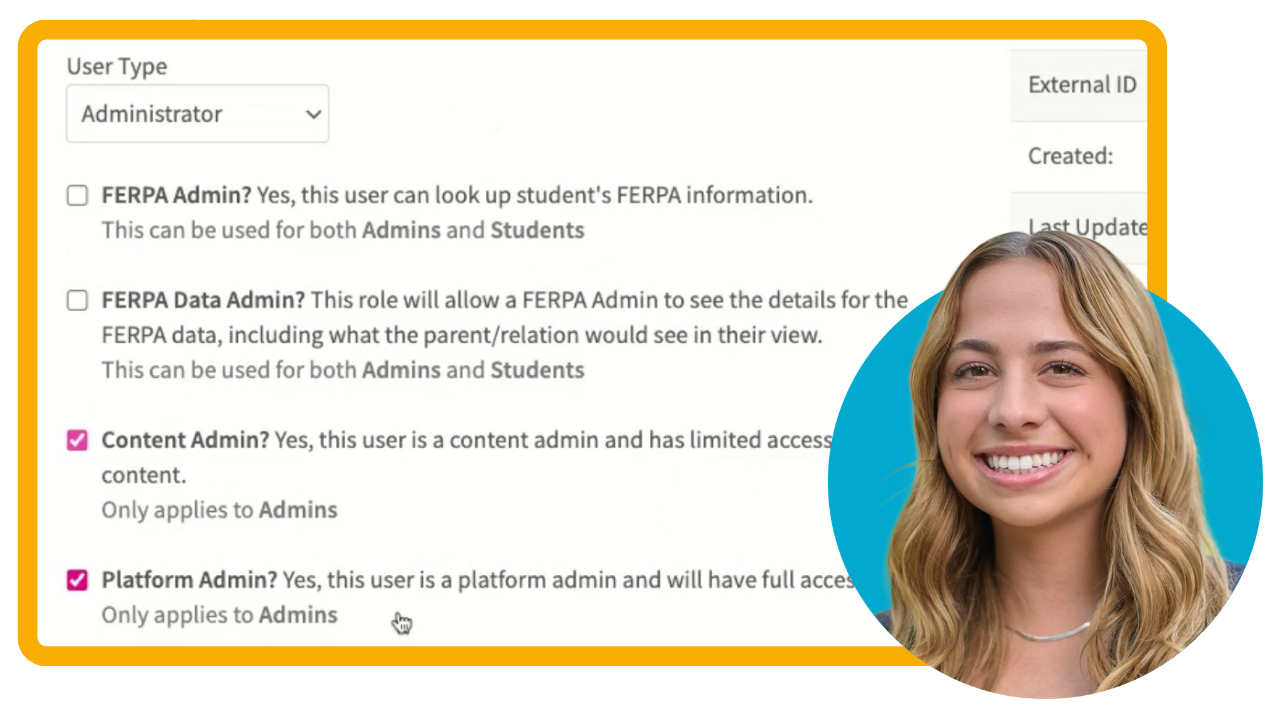
Grant or Adjust Admin Privileges
Learn how to add a new user, and grant and adjust admin privileges in CampusESP, including the different admin levels and how to assign the appropriate access for each team member.
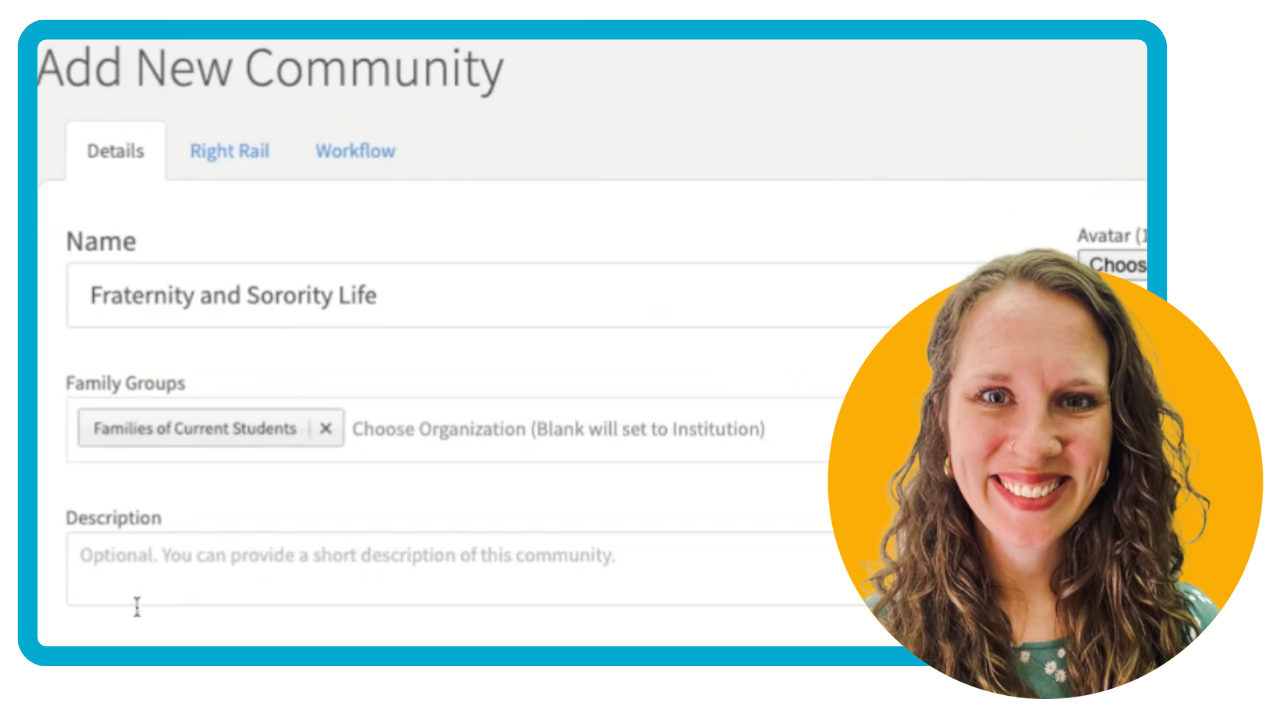
Create a Community
Learn how to create and set up a new community in CampusESP in just three simple steps.