
Featured On-Demand Session
Learn from the family engagement experts. Live, on your time, or in person.
Whether you're just getting started or looking to enhance your strategy, the CampusESP Academy will help you explore new features, gain best practices, and unlock the full value of the platform.
Upcoming Live Sessions
Upcoming Live Sessions
Featured On-Demand Session

Not sure where to start? Filter by your experience level and CampusESP solutions to surface the videos and resources that matter most to your role and goals.
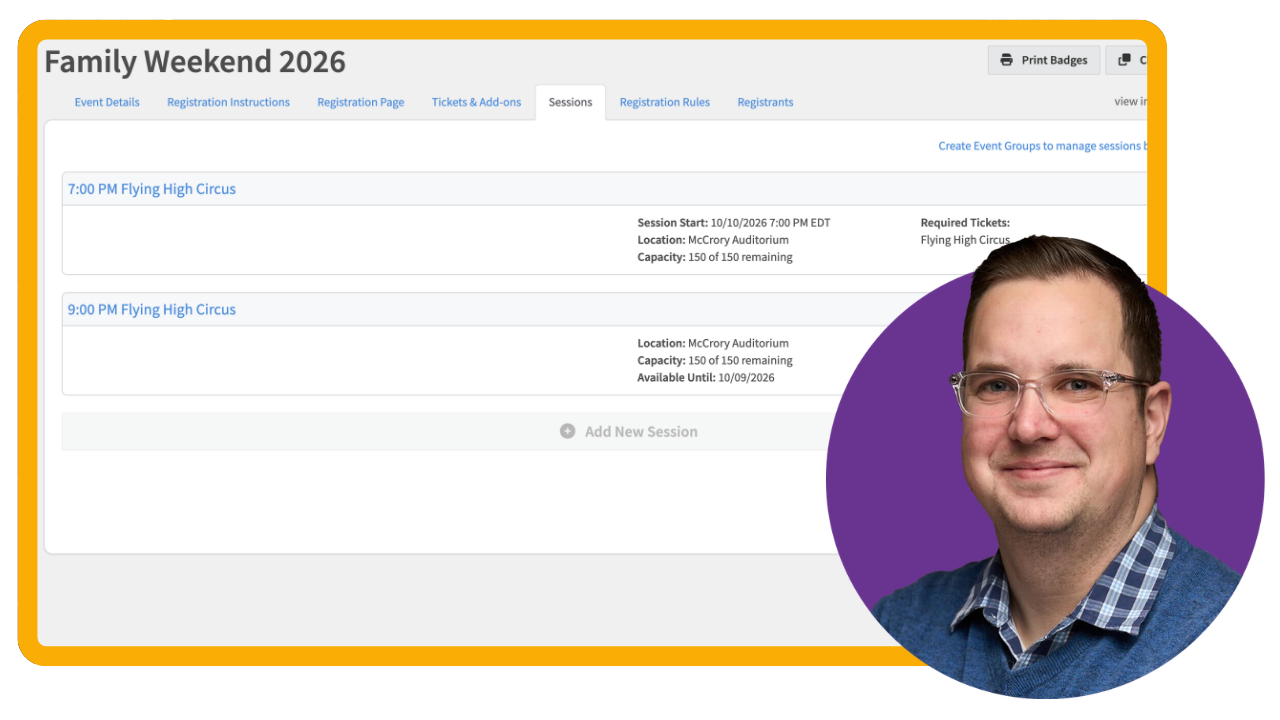
Add Sessions to an Event Registration Form
Sessions allow you to offer attendees a choice of date/time slots for activities, tours, presentations, or other scheduled experiences within an event registration.
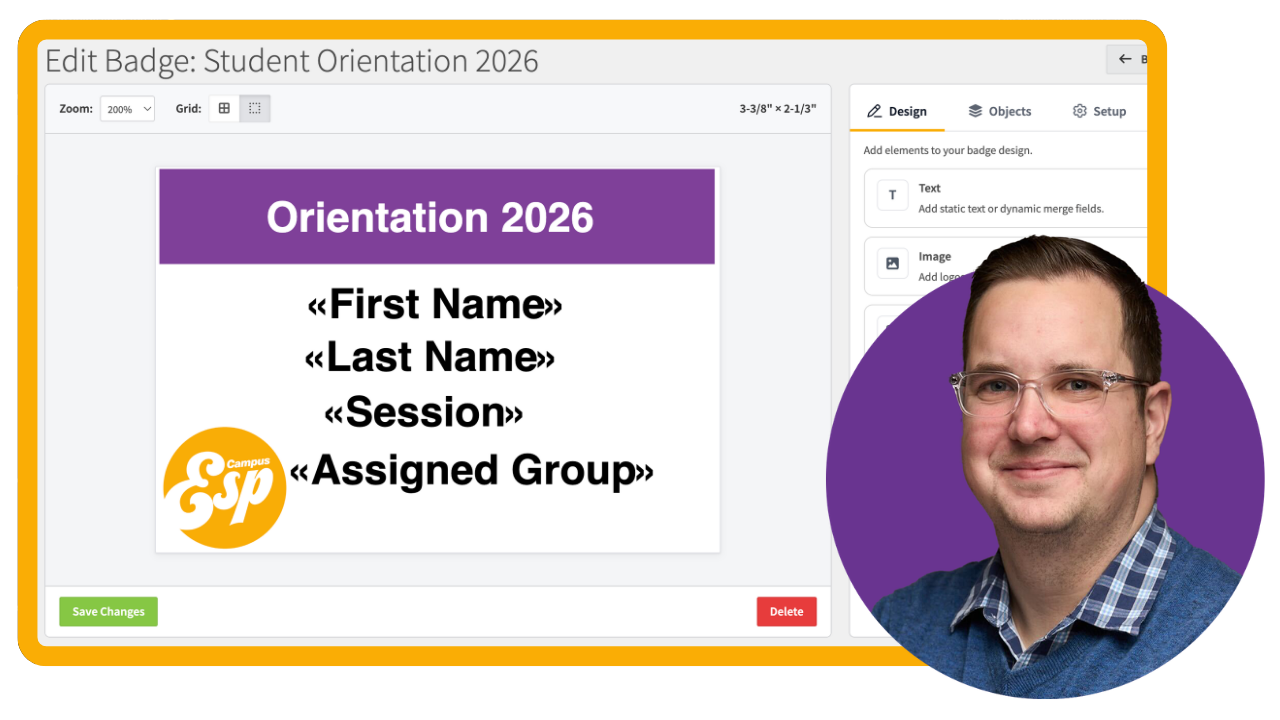
Create and Print Name Badges for Student Orientation
Design mail-merged name badges that print automatically for every Student Orientation attendee.
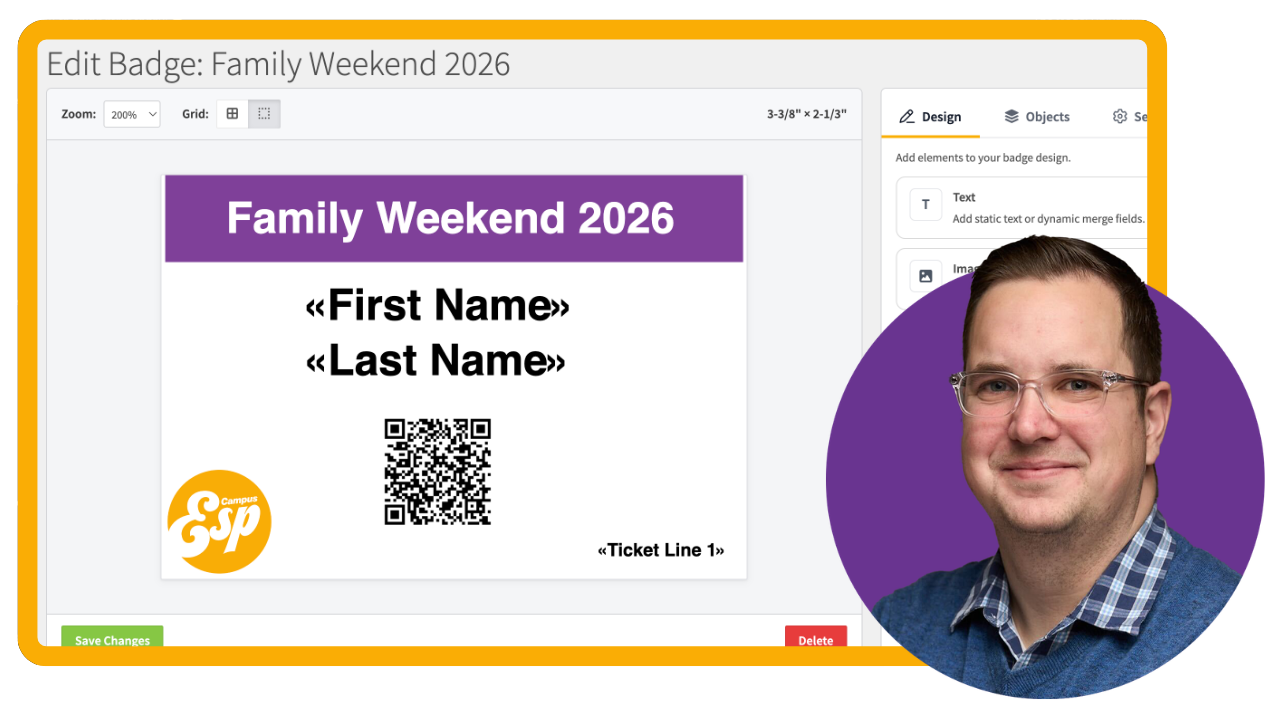
Create and Print Name Badges for Family Weekend
Set up your family weekend ticket form and design mail-merged name badges that print automatically for every registered guest.
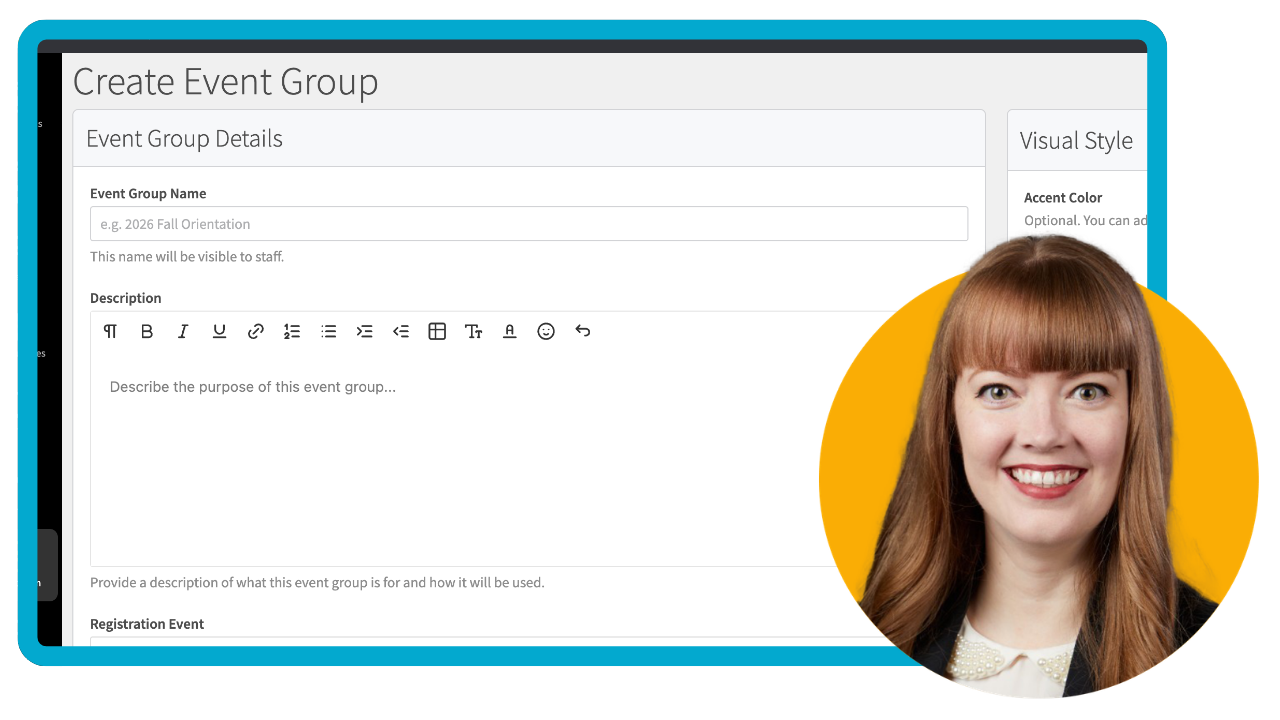
Create and Manage Event Groups
Learn how to create event groups, assign leaders, and organize users into smaller groups for orientation and other campus programs.
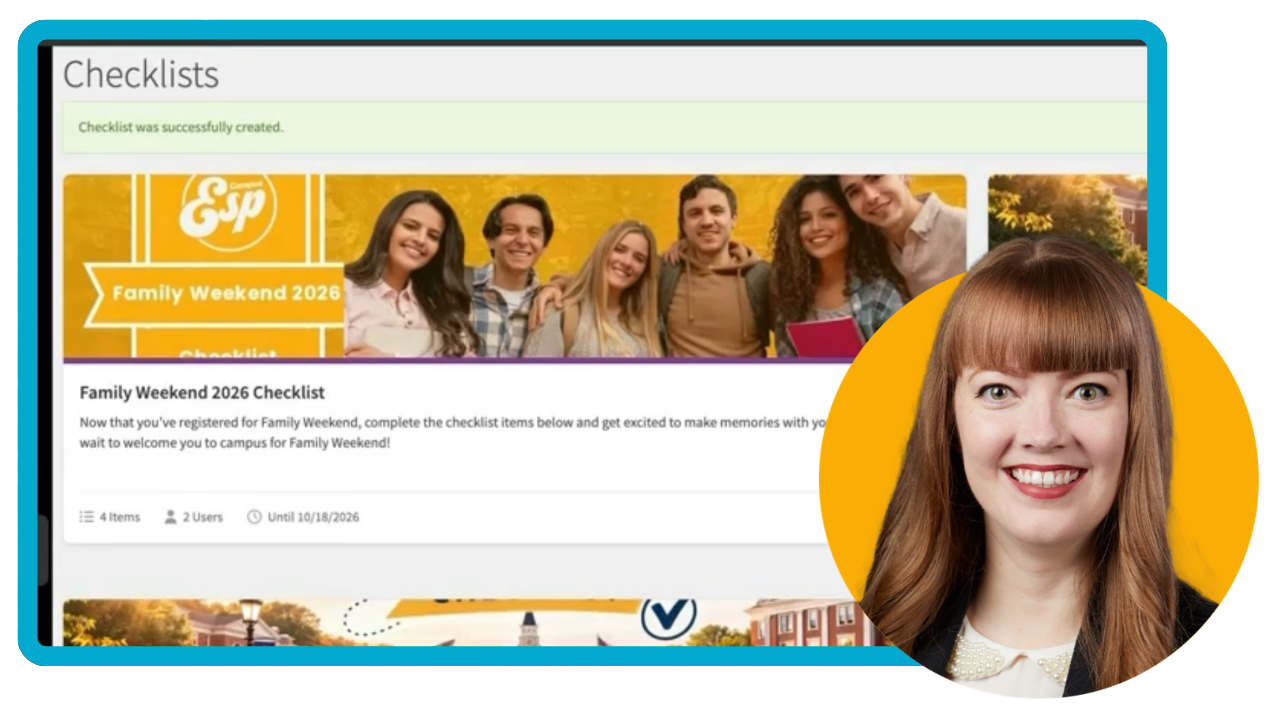
Create a Checklist for Users
Learn how to create a checklist to keep students and families on track with clear next steps.
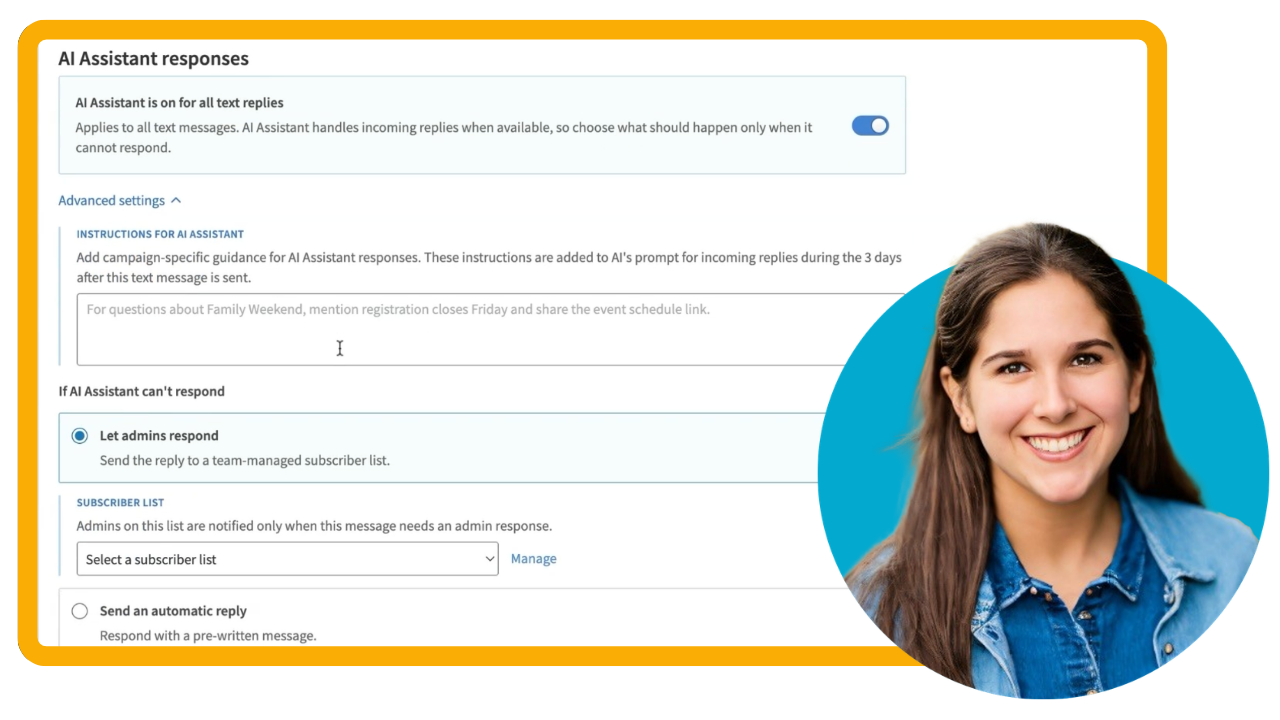
Understanding your AI Text Responder
Learn how the AI Text Responder uses your existing Family AI Assistant(s) to respond to incoming text messages from families.
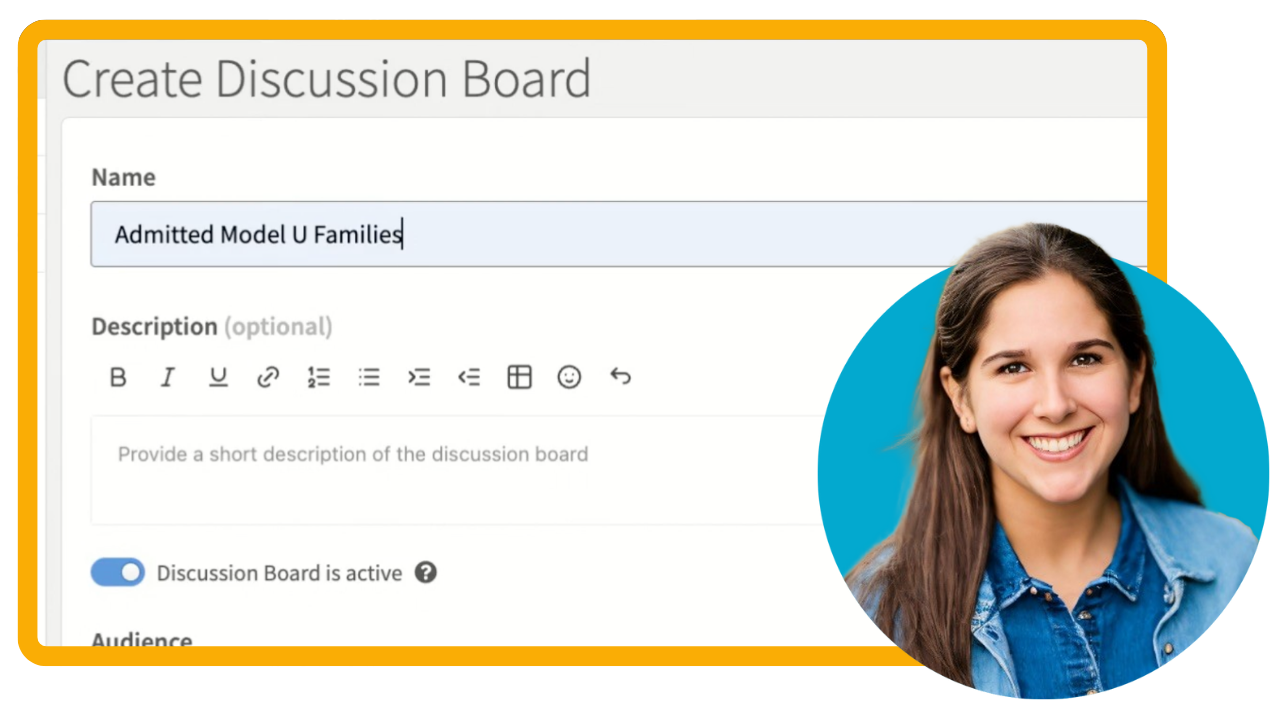
Implement a Discussion Board
Learn how to set up a Discussion Board - a positive space for families to connect, ask questions, and get support, with built-in AI moderation to help your team monitor the conversation.

Donors and Dashboards: A Fast Pass Through Parent Giving Insights
Join us for a quick walkthrough of your Parent Giving Performance Dashboard and Export Data.
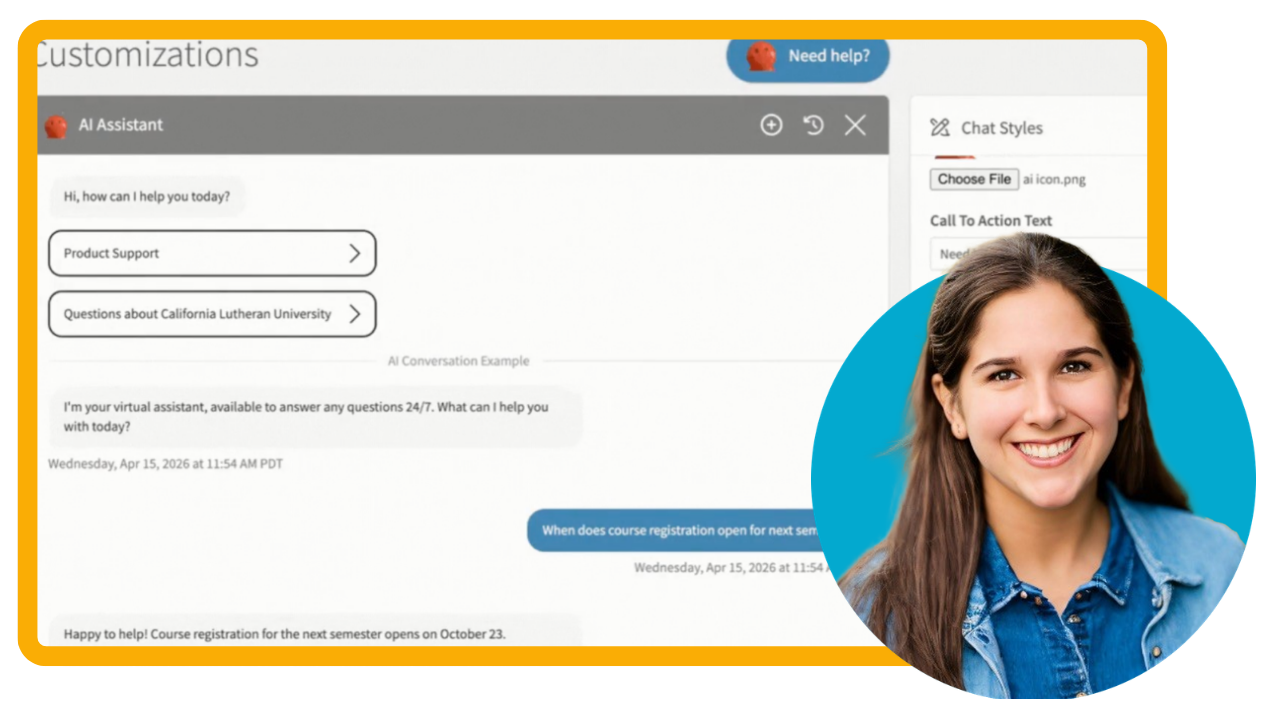
Family AI Assistant Training and Best Practices Video
Our AI Assistant is ready to deliver helpful answers from day one — but a little fine-tuning goes a long way. This video will focus on a more in-depth overview of how to refine your Family AI Assistant’s foundational knowledge, shape its responses, and test performance.Walk away with best practices and tips to leverage the Training, Customize Personas, and Sandbox pages effectively.
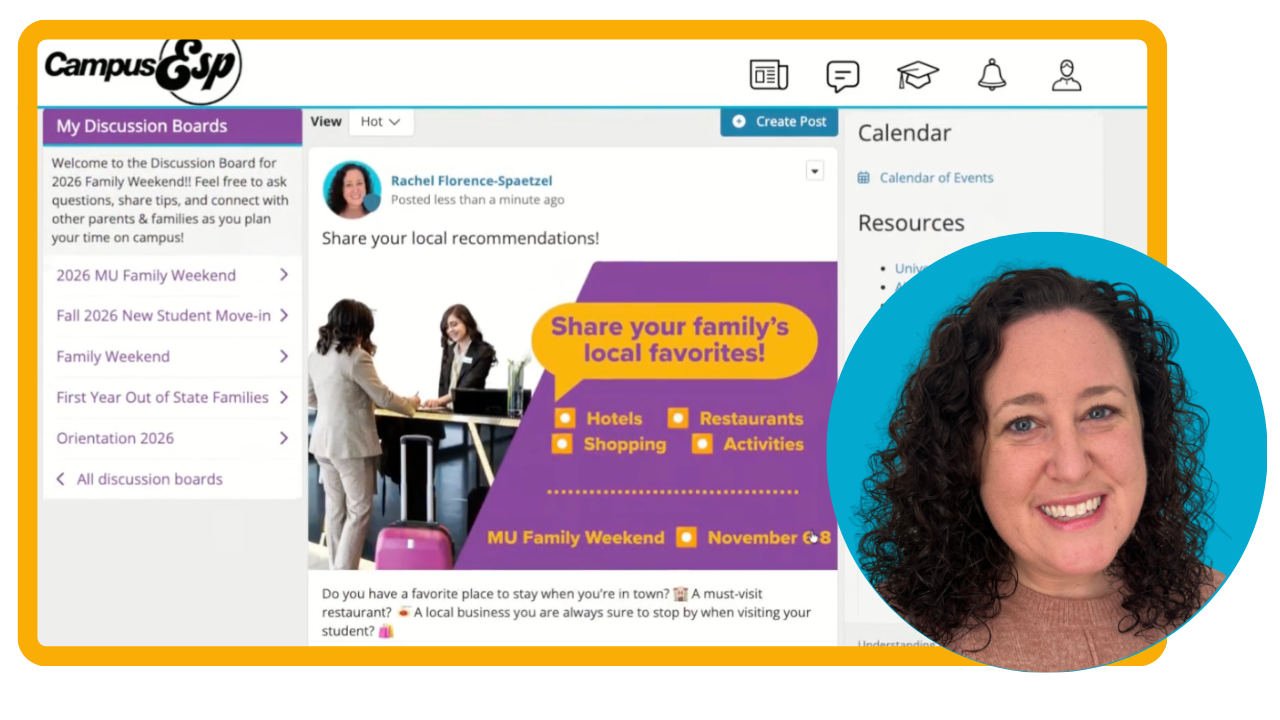
Ready, Set, Family Weekend: Build A Discussion Board Today
Set families up for a seamless Family Weekend experience by building a dedicated Discussion Board in CampusESP.
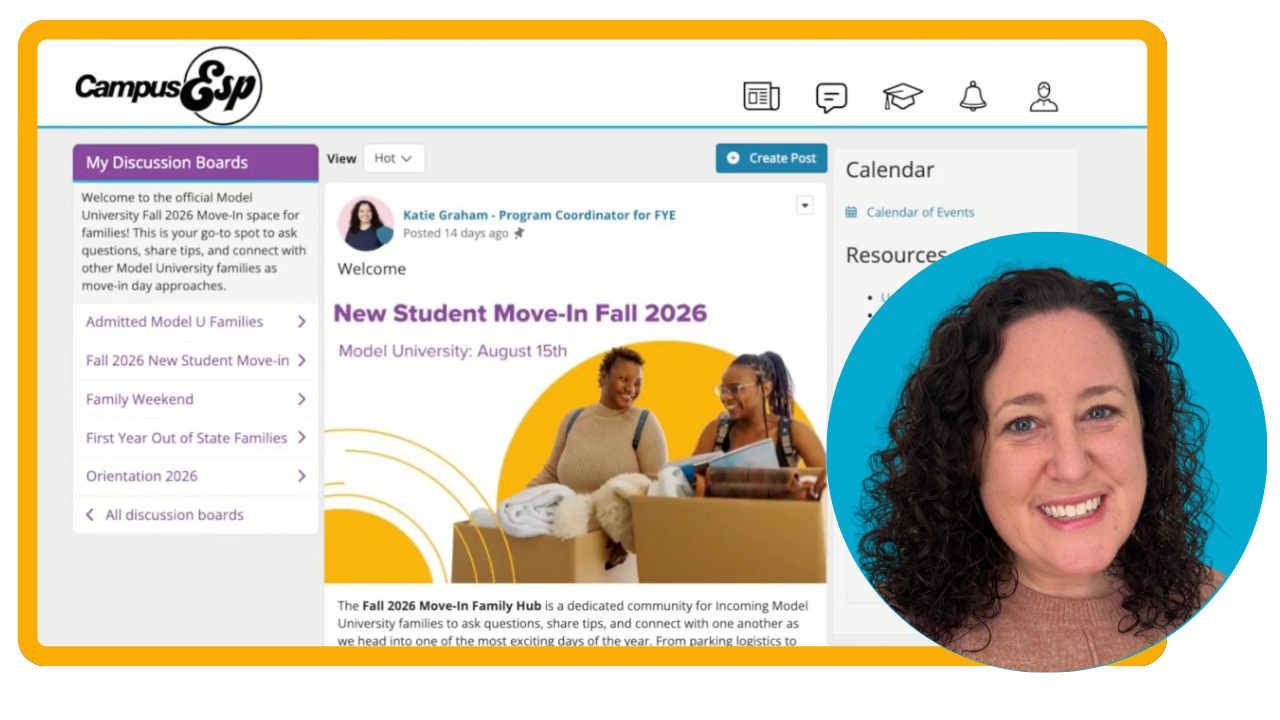
Move-In Ready: Engage Incoming Families with a Discussion Board
Help your incoming families hit the ground running before move-in day by building a Move-in Discussion Board!
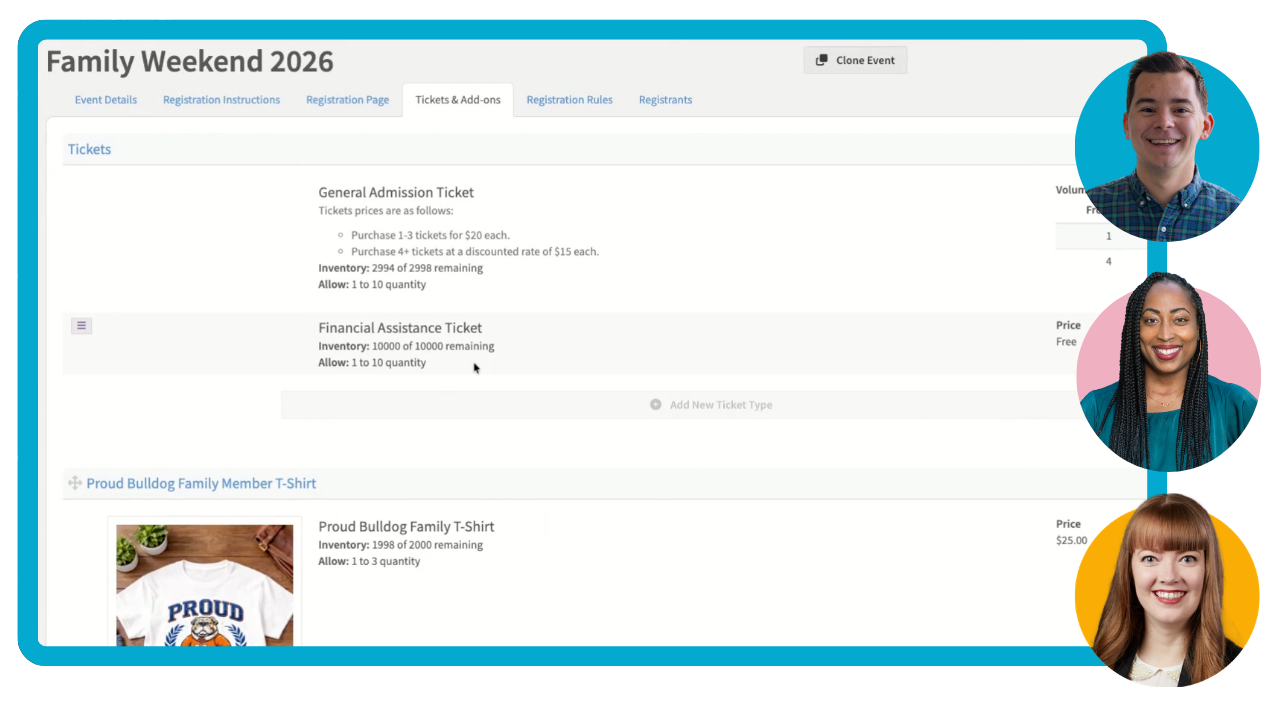
Your Family Weekend Toolkit: Registration, Messaging, and Check-In
Plan a seamless Family Weekend experience using CampusESP’s Events with Registration tools.

This Isn't Just an Email Platform - It's an Enrollment Engine
In this session, we’ll unpack why CampusESP is a purpose-built engagement platform and what your team can do today to start moving the needle on enrollment.
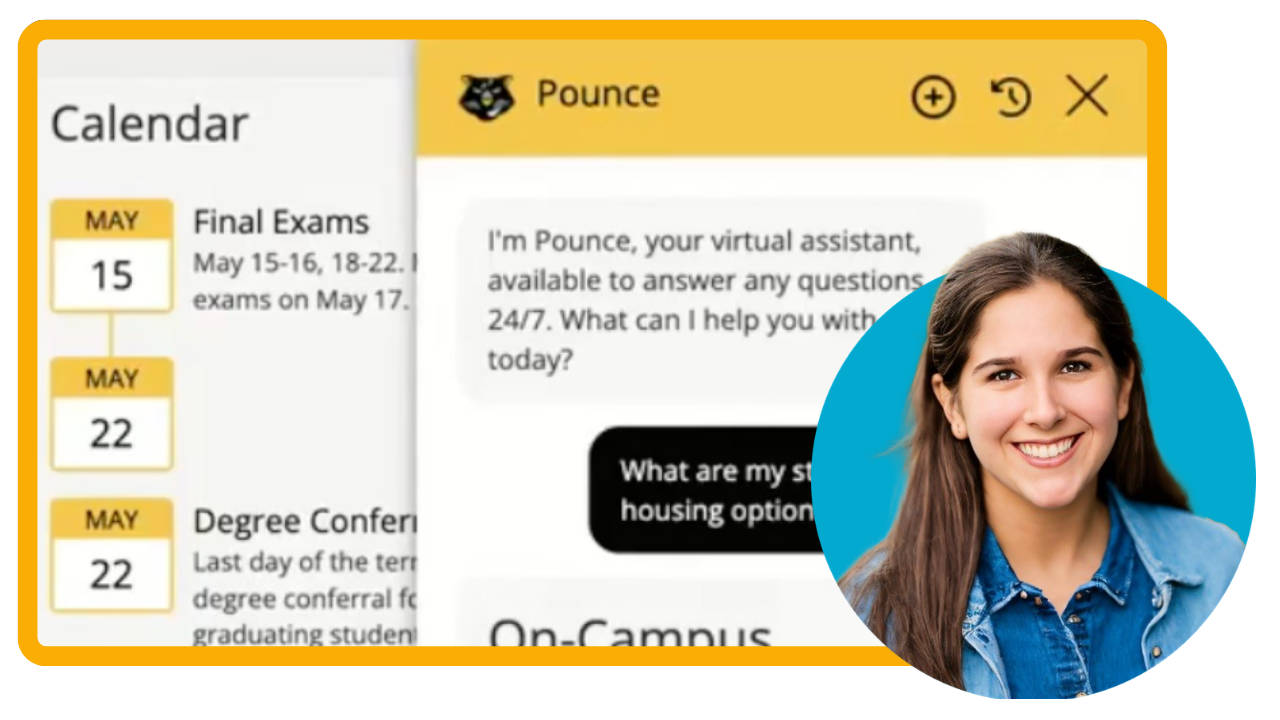
Family AI Assistant Quick Start Video
CampusESP’s ESP Sense™ Family AI Assistant creates an always-on engagement layer that increases responsiveness, captures intent, and deepens platform usage. By delivering real-time, 24/7 support, the AI Assistant helps reduce call volume to help you scale and free up time for high-touch situations.
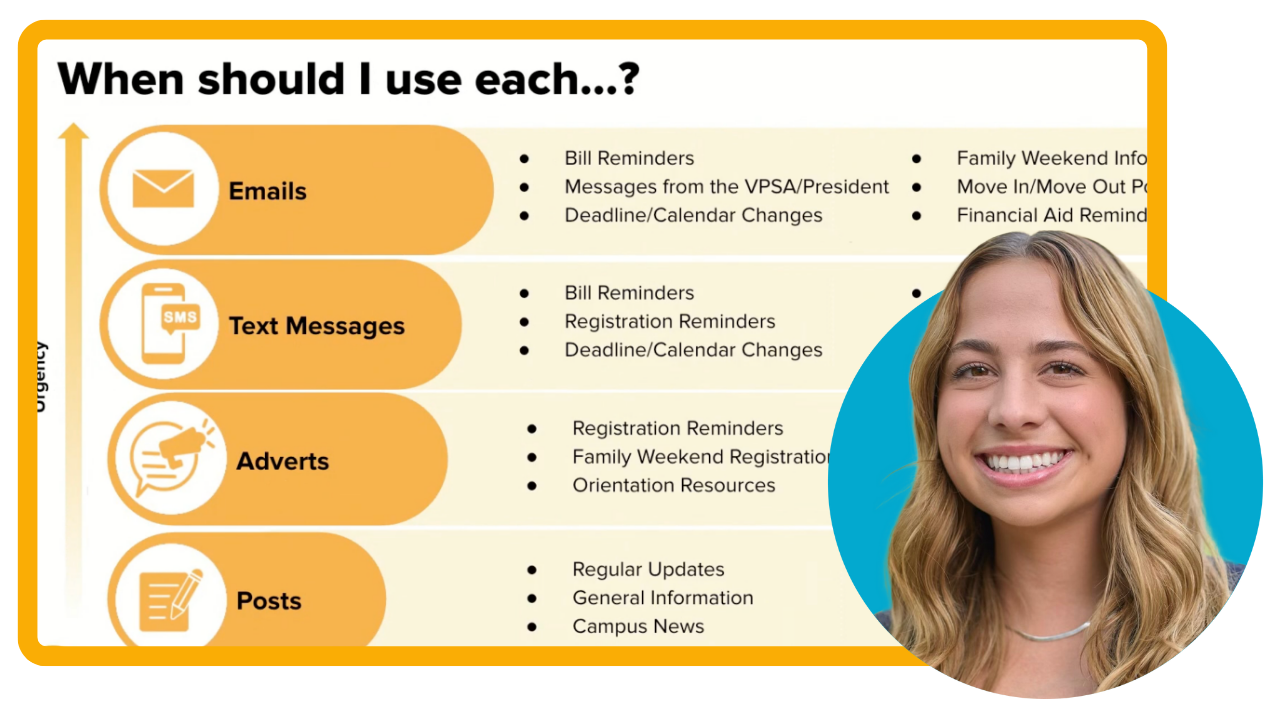
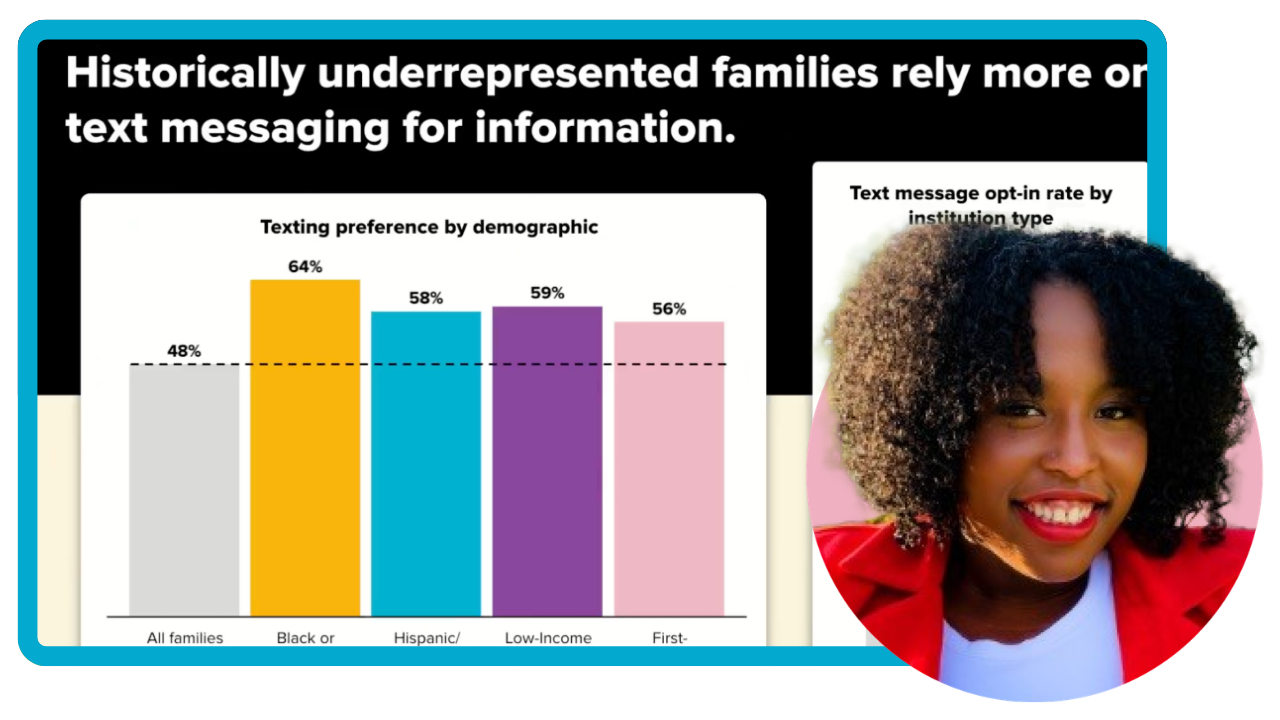
From Data to Impact: Supporting Black Families & Students in your CampusESP Platform
In this session, explore how your institution can better support Black families and student outcomes through strategic engagement in your platform. We'll share critical data from our 2025 trends on Black family engagement and involvement preferences, and provide actionable strategies you can implement immediately.
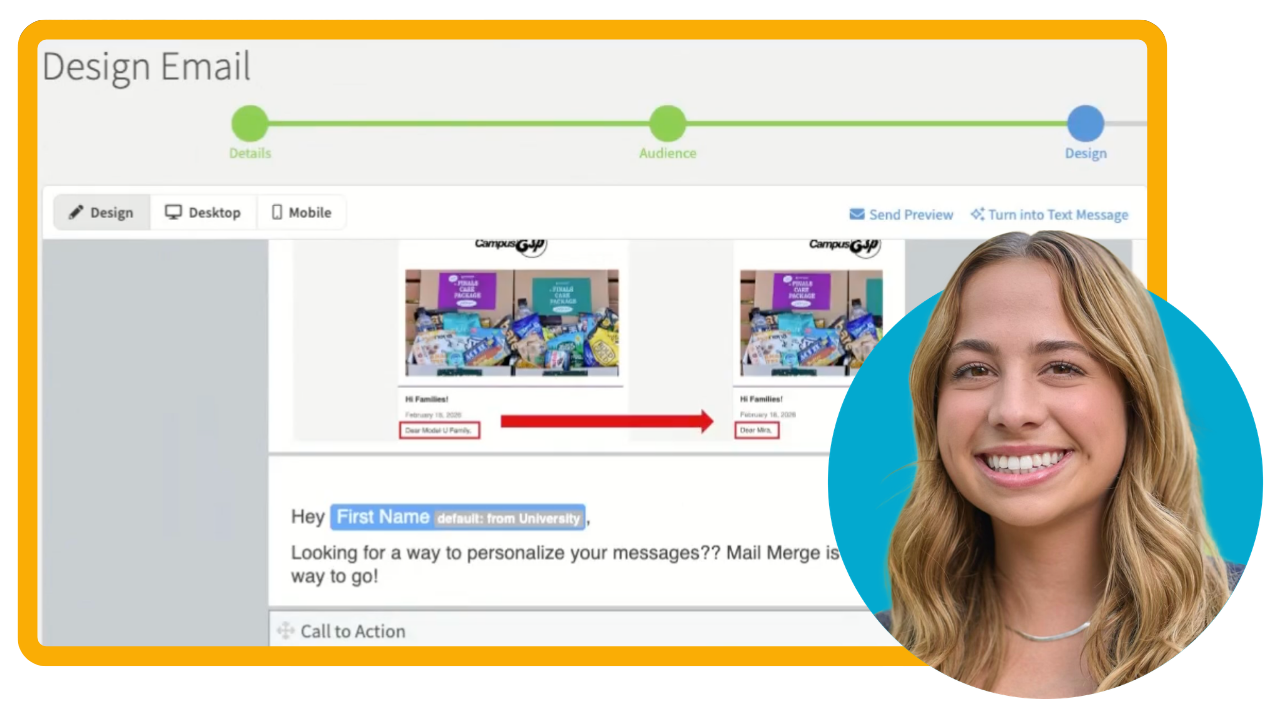
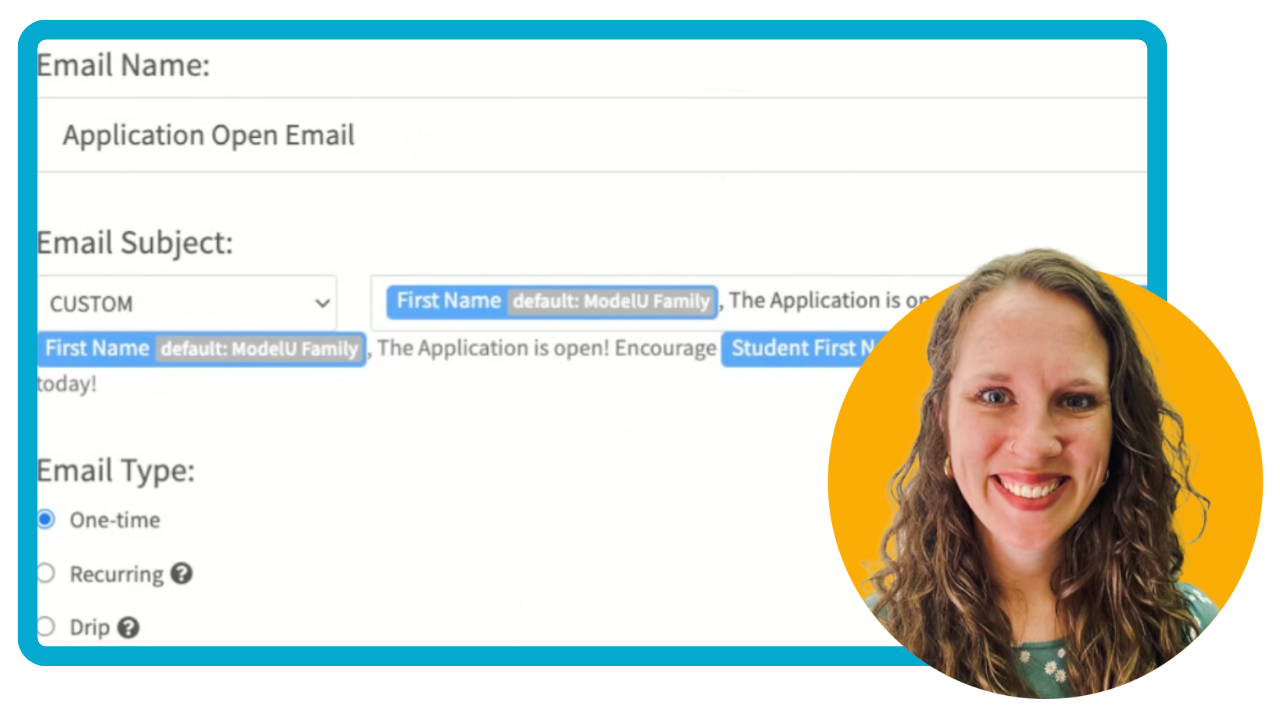
Use Mail Merge to Personalize Communications
Learn how to use merge fields to add personalized touches to emails, text messages, and more!
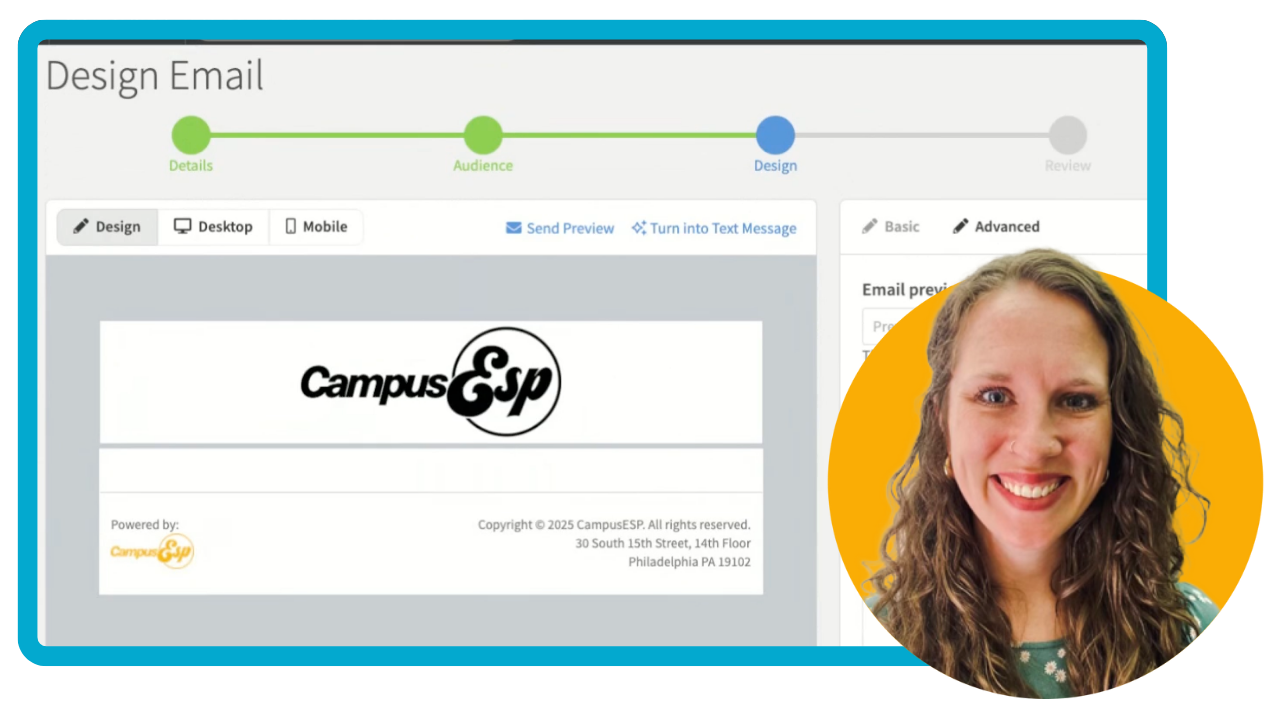
Create and Send an Email
Learn how to create and schedule emails in CampusESP, using our Basic or Advanced Designer.
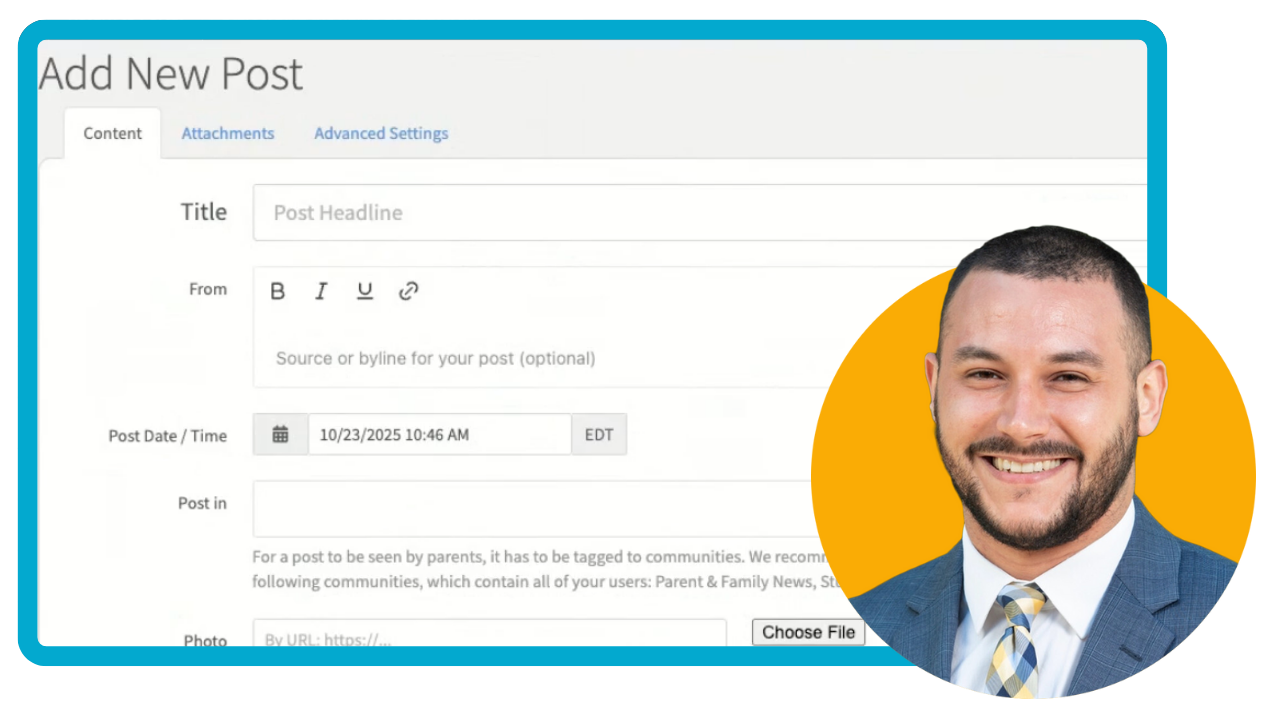
A little Midwest magic, a lot of great ideas. Join CampusESP in Minneapolis on October 7!
Kick off your NODA Conference (Nov 10-13) experience with great company, a dash of Southern hospitality, and heaps of new ideas.