

Featured On-Demand Session

Learn from the family engagement experts. Live, on your time, or in person.
Whether you're just getting started or looking to enhance your strategy, the CampusESP Academy will help you explore new features, gain best practices, and unlock the full value of the platform.
Upcoming Live Sessions
Upcoming Live Sessions
Featured On-Demand Session
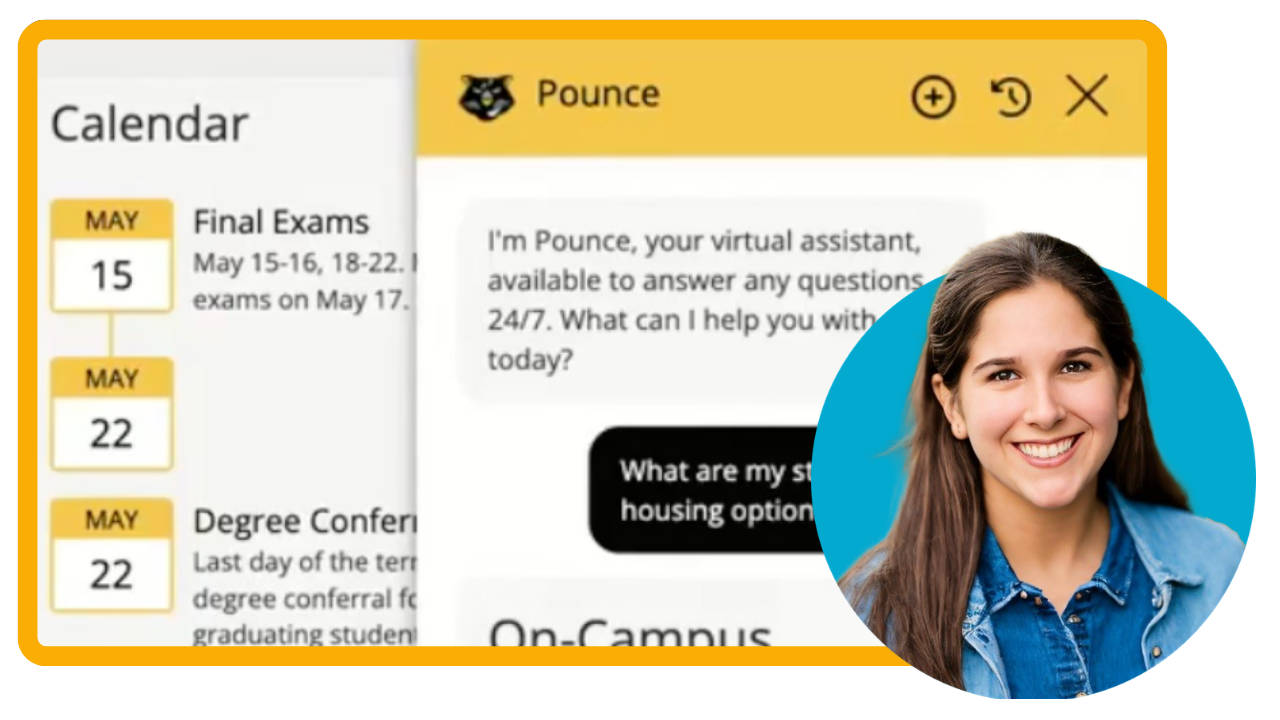

Not sure where to start? Filter by your experience level and CampusESP solutions to surface the videos and resources that matter most to your role and goals.
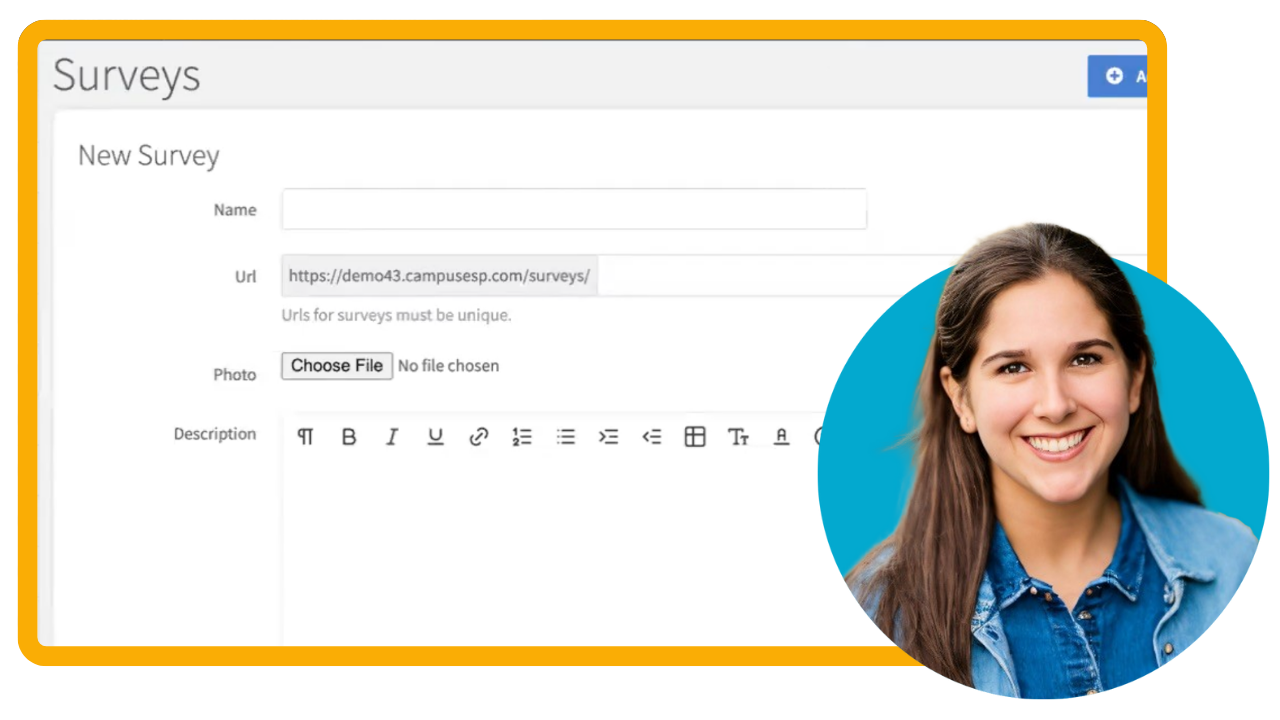
Surveys with a Spark: Boost Family Engagement Through Smart Surveying
Explore how to supercharge your family engagement strategy using Surveys in CampusESP. From general assessments and quick polls to post-event feedback, you’ll discover best practices for crafting effective surveys and learn how other institutions are using this tool to gather insights and drive action.
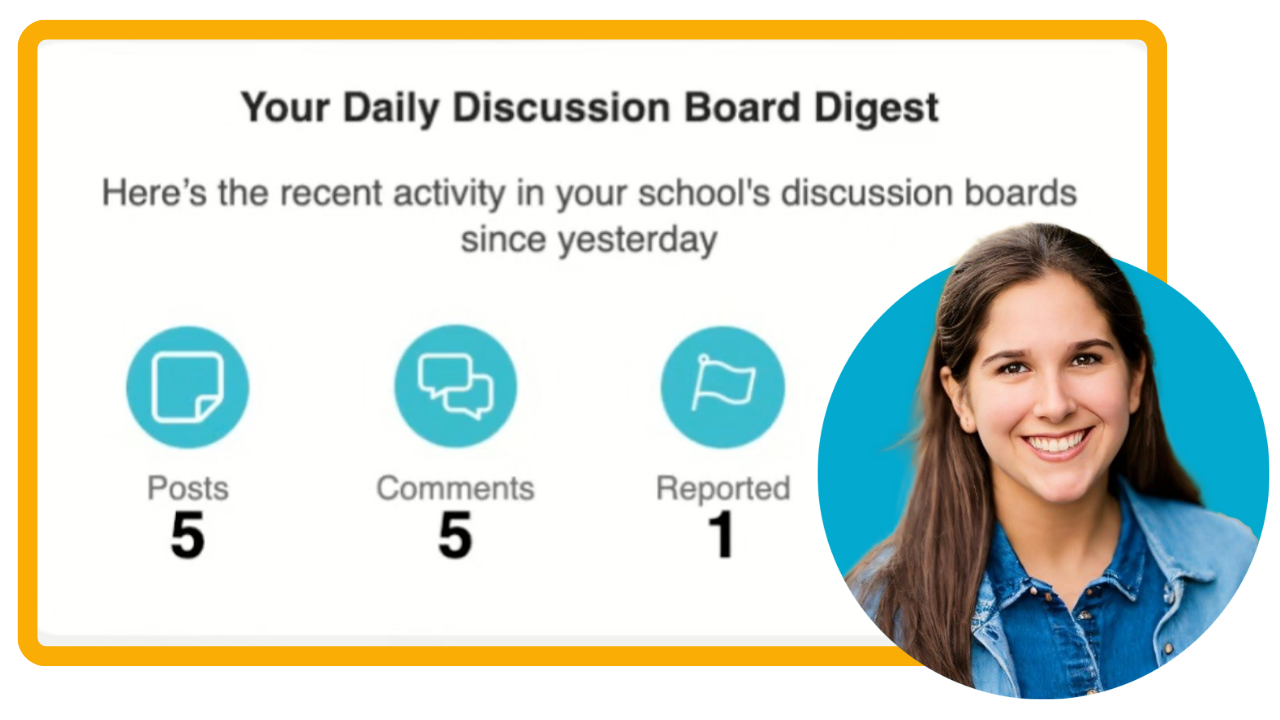
Moderating Discussion Boards
Learn how to moderate your Discussion Boards, from reviewing to reporting posts.

How to get the most out of your 2025 Family Survey Results
In this 30 minute session, we’ll explore how to uncover key insights that highlight where families need more support and how to turn that feedback into action.
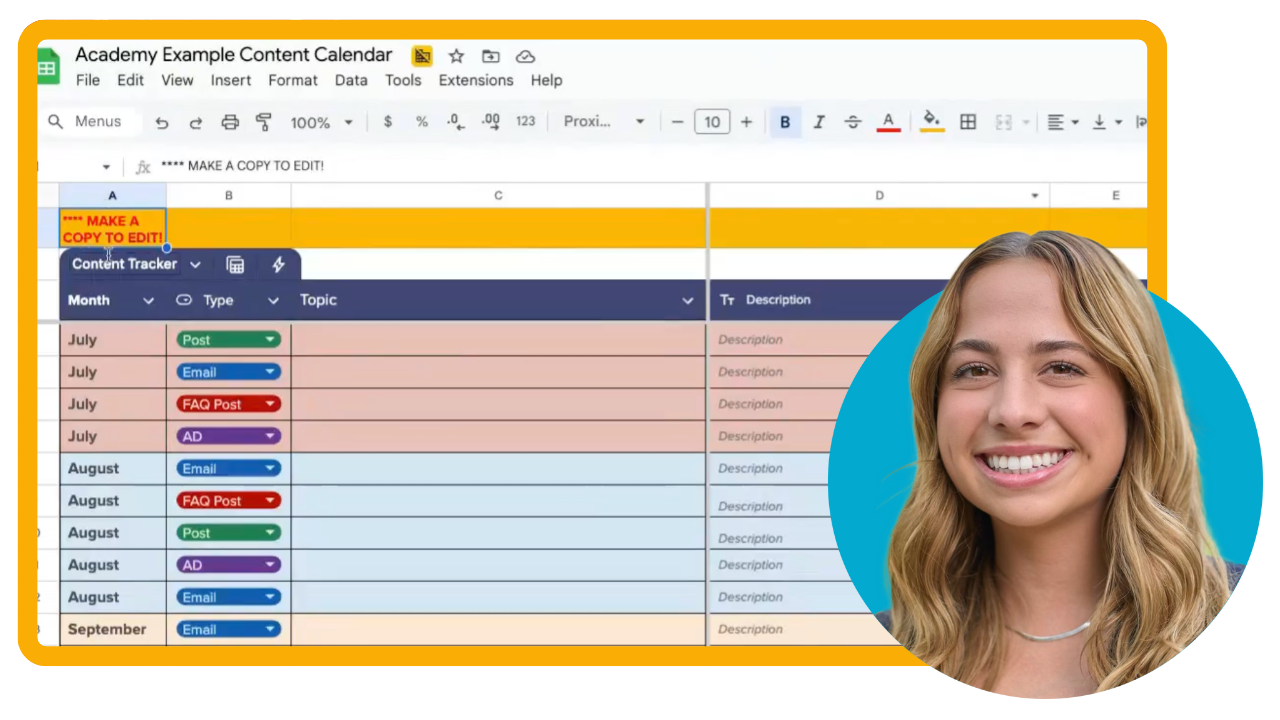
Fall Semester Content Planning
In this 30 minute session, we’ll walk through a simple framework for planning your family engagement content for the fall semester.
You'll leave with a plug-and-play planning template you can copy, customize, and start using today - because a little planning now means fewer last minute scrambles later.
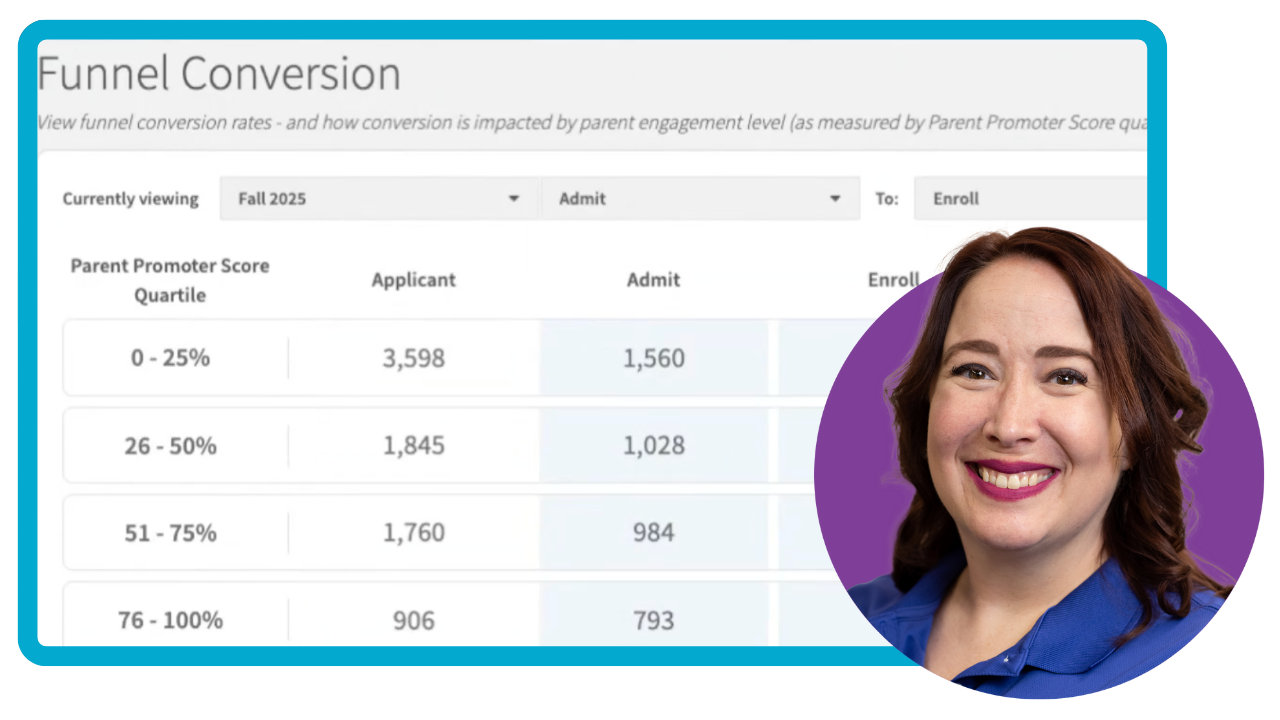
Leverage your Student Enrollment Data
Discover how data from your enrollment funnel and PPS can drive smarter decisions that align with your enrollment, retention, and engagement goals.
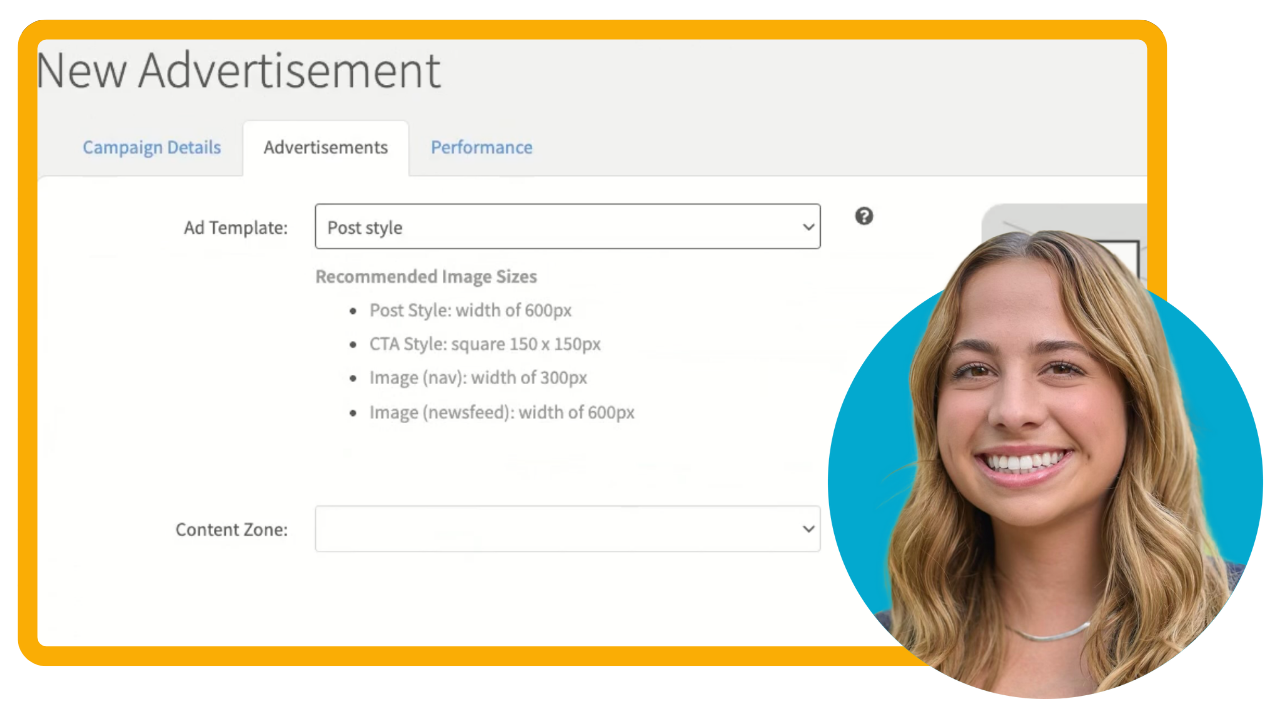
Create an Advertisement
Learn how to use CampusESP's Advertisements feature to add targeted ads into the portal and newsletters so the right parents see the right message at the right time.
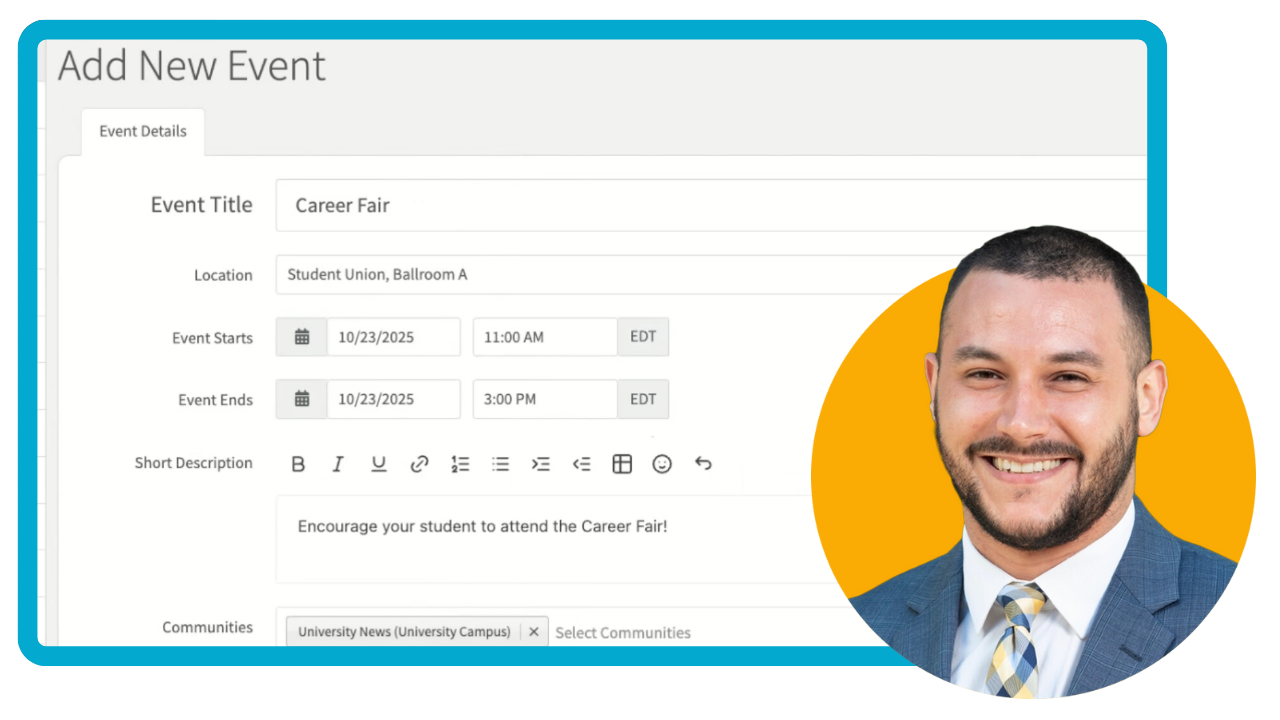
Add a Calendar Event
Learn how to add a new event to your portal calendar in just a few simple steps.
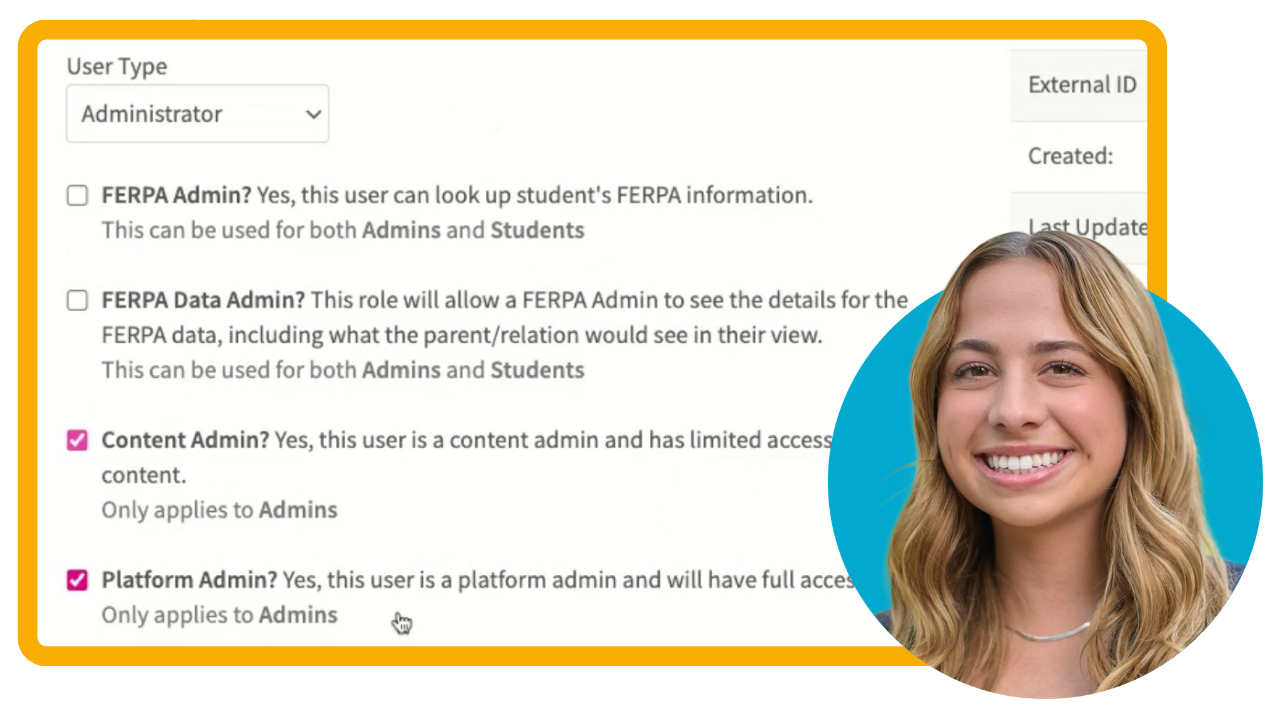
Grant or Adjust Admin Privileges
Learn how to add a new user, and grant and adjust admin privileges in CampusESP, including the different admin levels and how to assign the appropriate access for each team member.
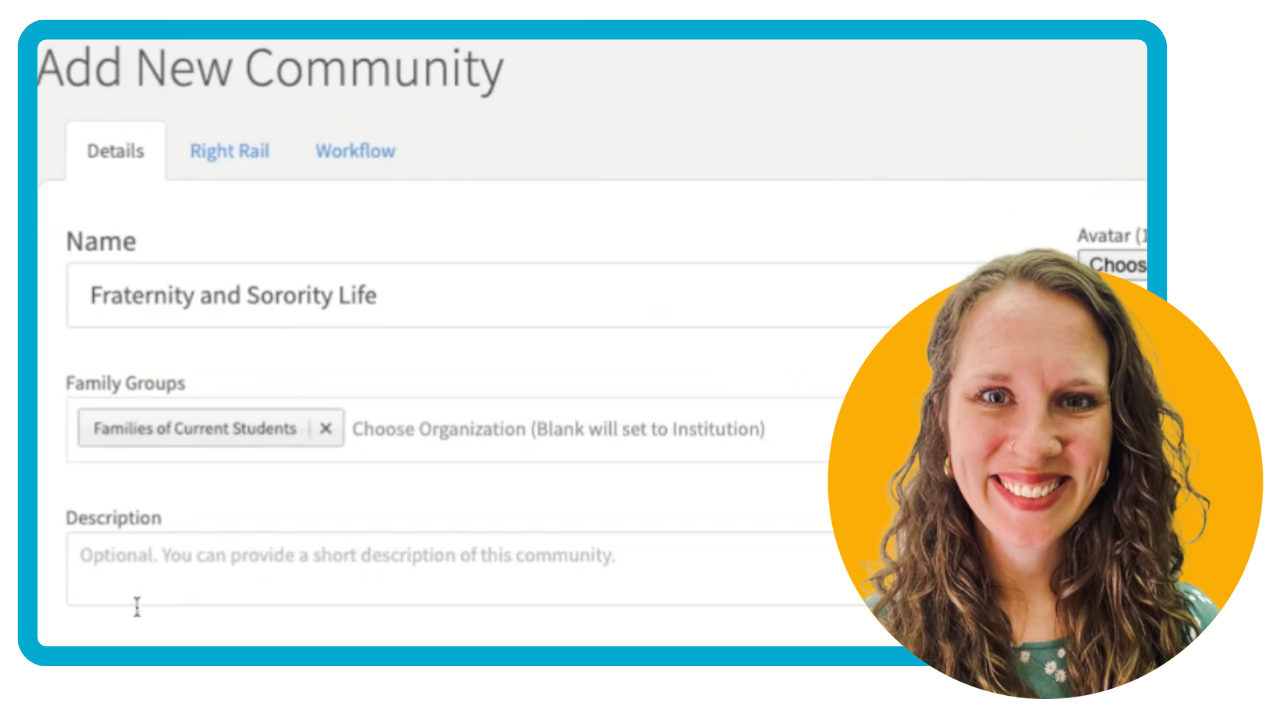
Create a Community
Learn how to create and set up a new community in CampusESP in just three simple steps.
A little Midwest magic, a lot of great ideas. Join CampusESP in Minneapolis on October 7!
Kick off your NODA Conference (Nov 10-13) experience with great company, a dash of Southern hospitality, and heaps of new ideas.